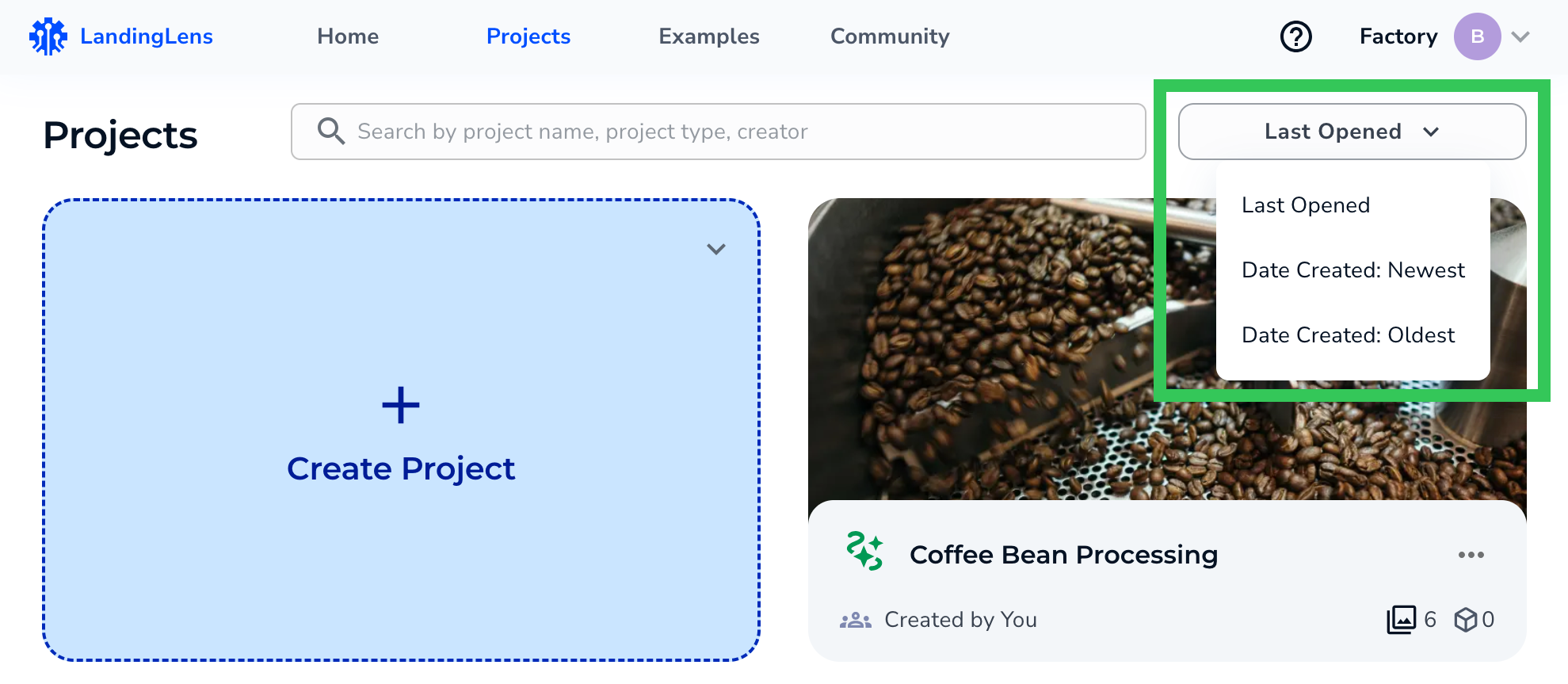

| LandingLens | LandingLens on Snowflake |
|---|---|
View the Most Recently Opened Projects
To view the last three projects recently opened by anyone in your Organization, click the logo in the top left corner. To see all projects, click View All or Projects.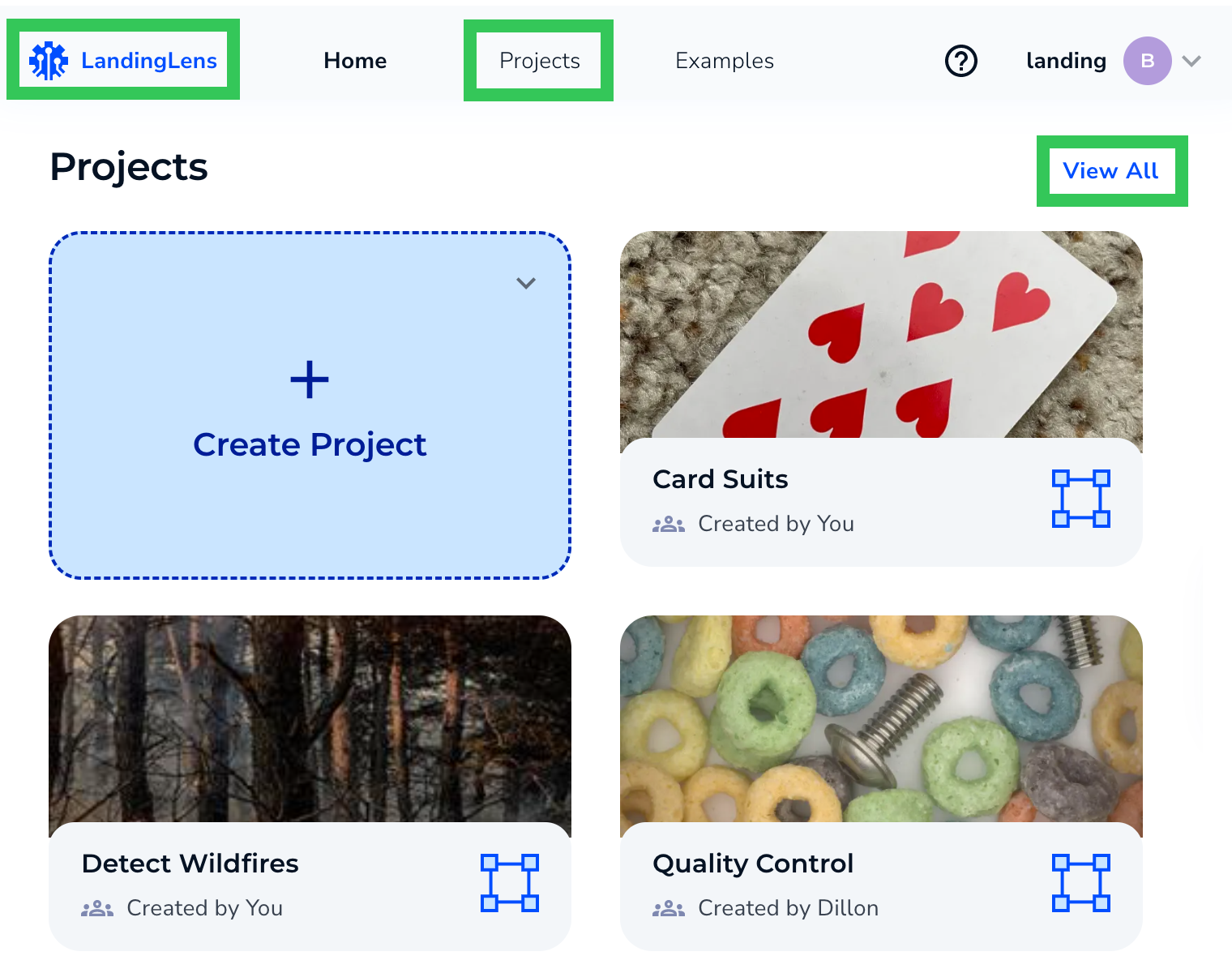
View All Projects
To view all projects in your Organization, click Projects at the top of the page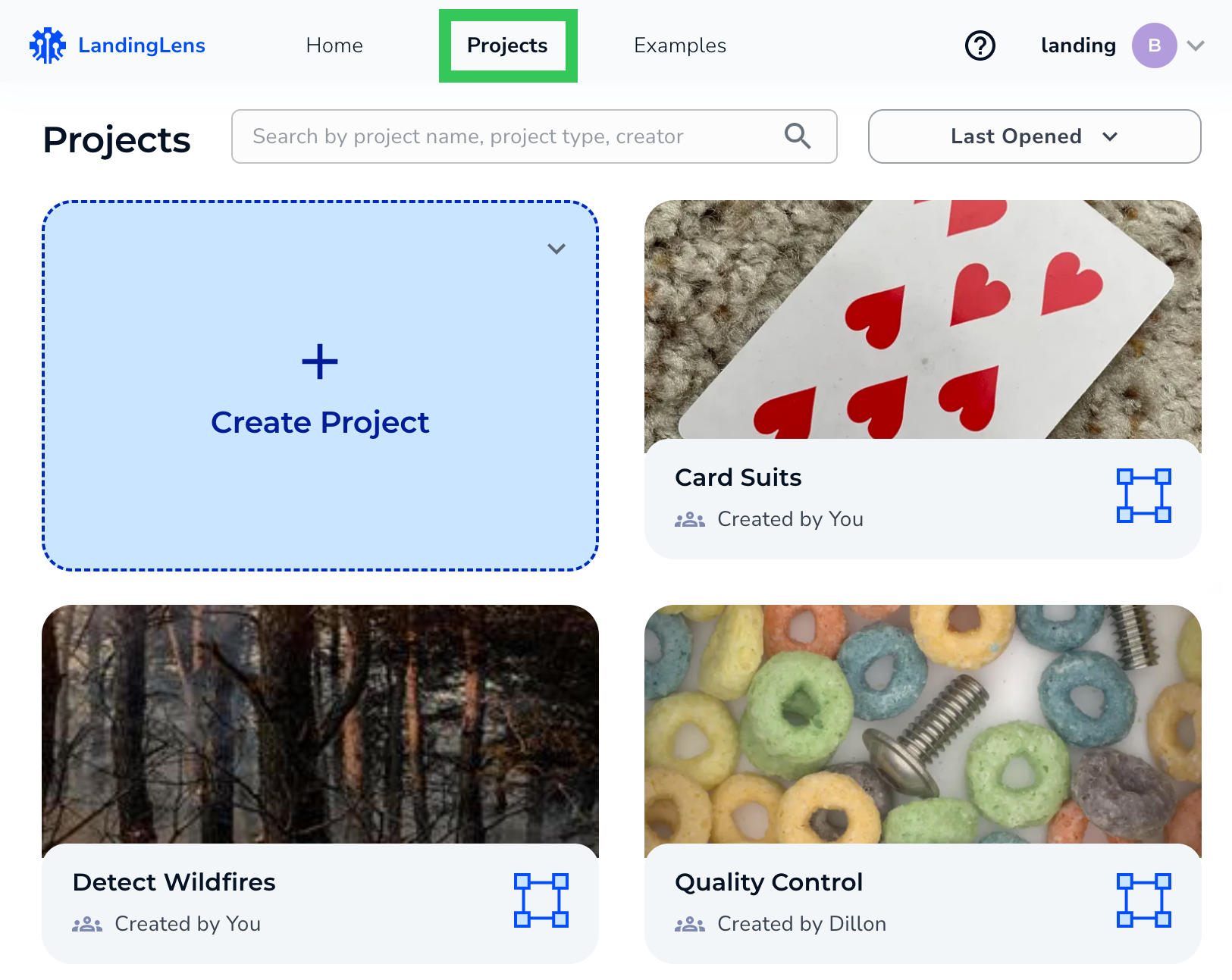
Search for Projects
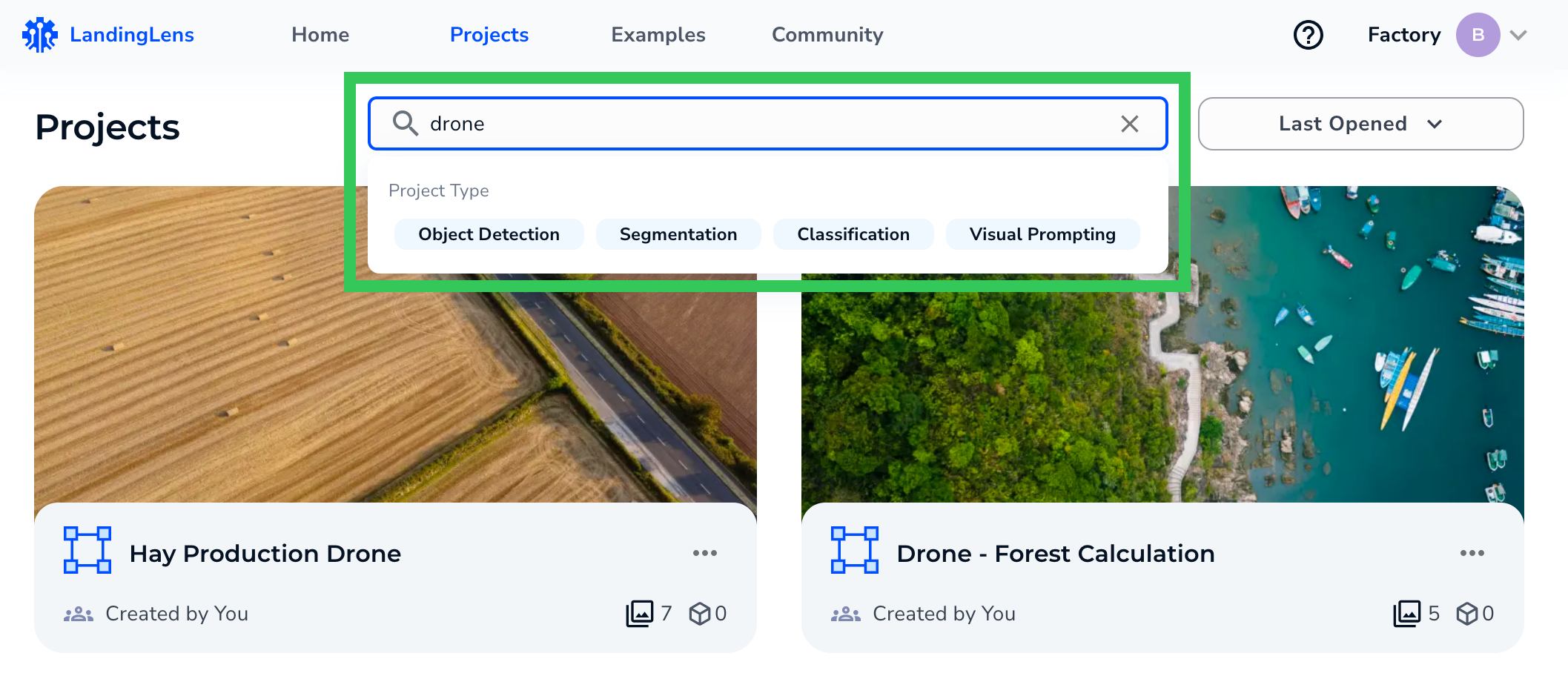
Click Projects at the top of the page. Enter the project name, type, or creator in the search bar. To narrow down results, click the project type.