
| LandingLens | LandingLens on Snowflake |
|---|---|
APP_NAME.
The processes that require the name of your instance of LandingLens include:
- Run inference with SQL commands
- Load images from Snowflake stages
- Grant the LLENS_PUBLIC application role
- Grant LandingLens access to stages
- Suspend and resume the LandingLens app
Locate the Name of Your Instance of LandingLens
You can get the name of your instance of LandingLens in Snowsight:- Open Snowsight.
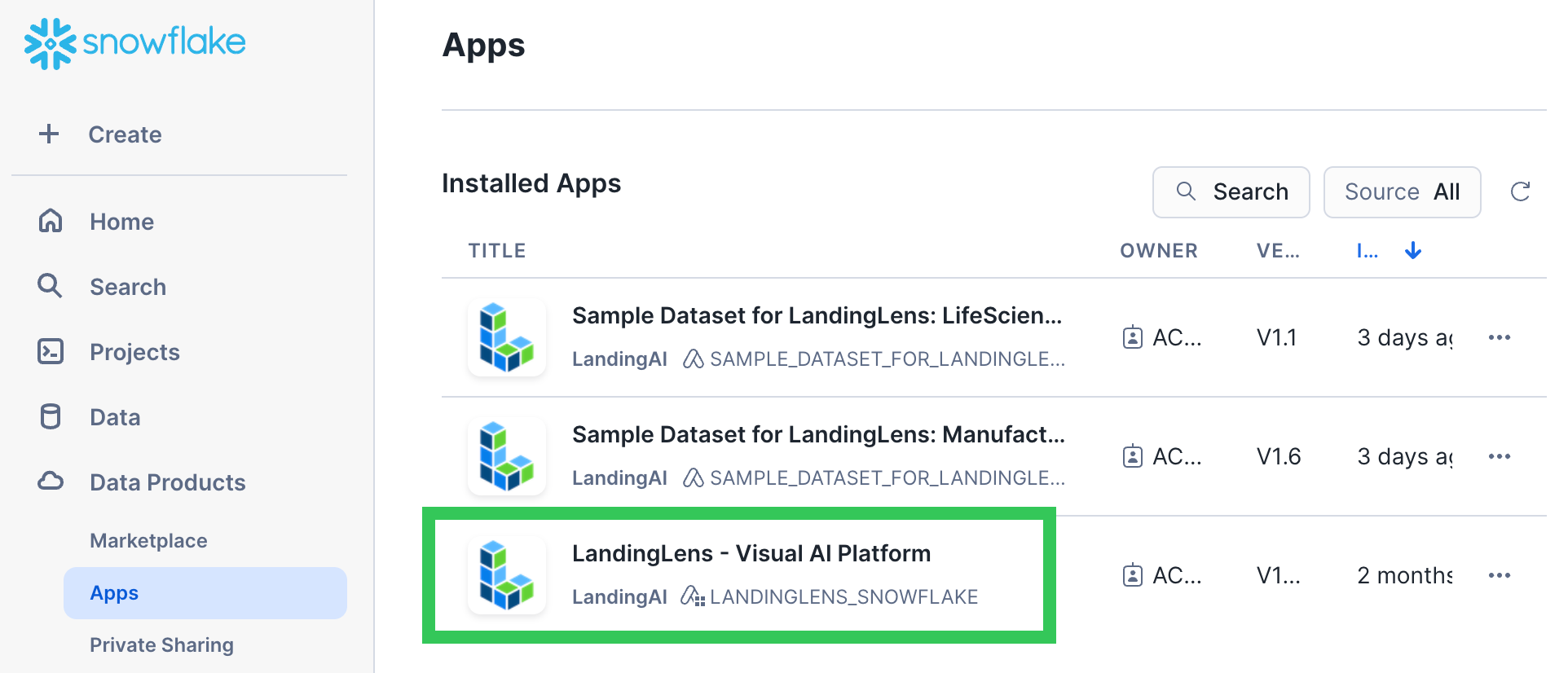
- Go to Data Products > Apps > LandingLens Visual AI Platform.
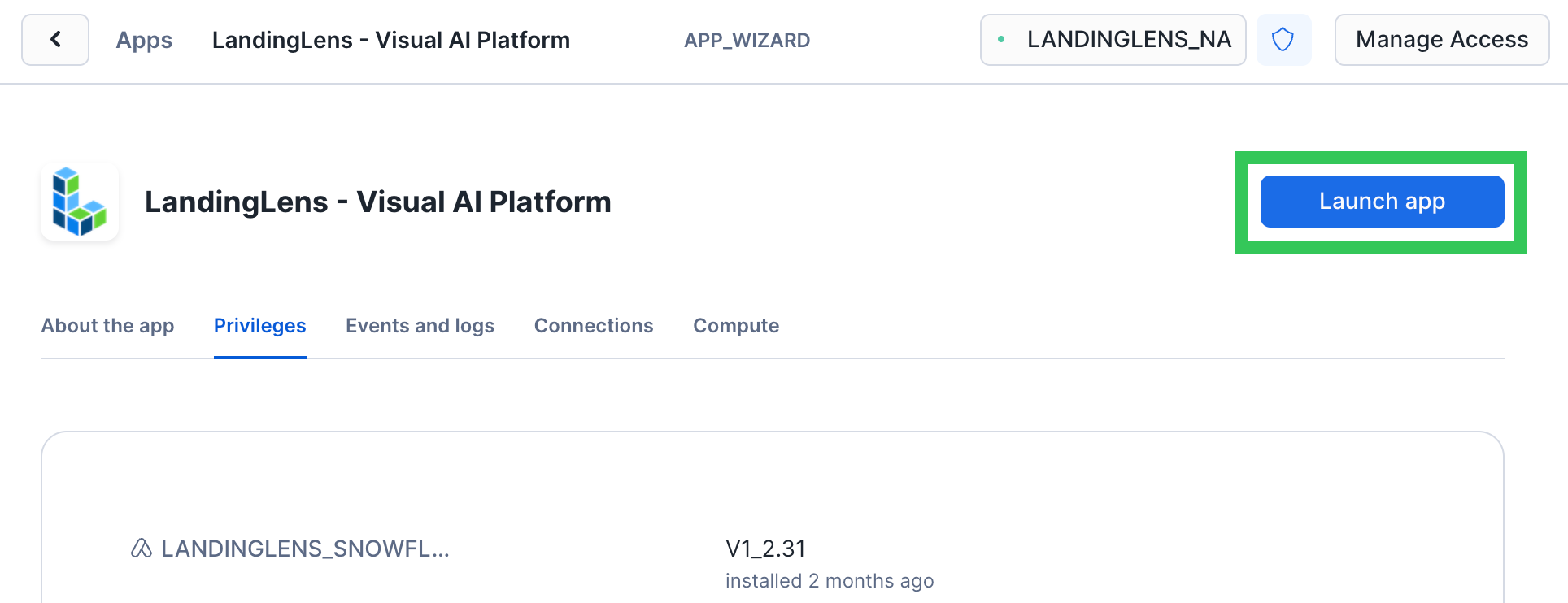
- Click Launch App.
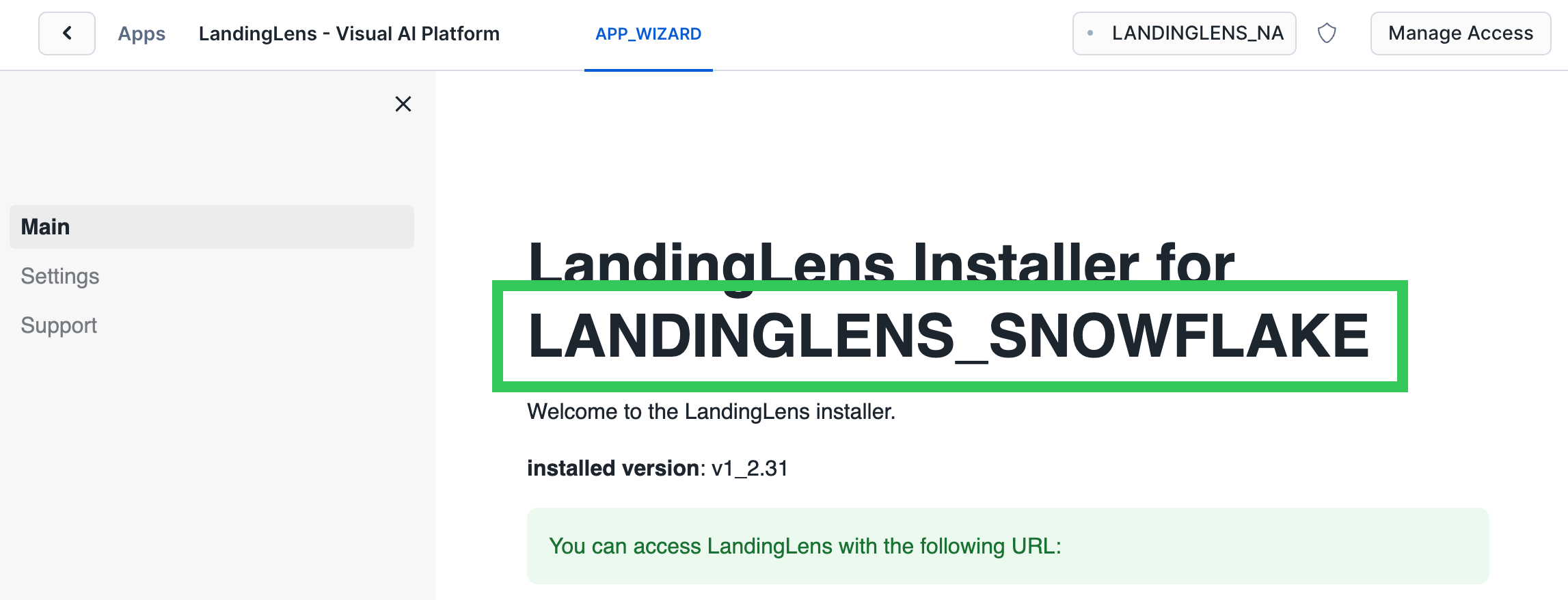
- The name of your instance of LandingLens displays right after the text LandingLens Installer for. For example, in the screenshot below, the name of the instance of LandingLens is LANDINGLENS_SNOWFLAKE.