
| LandingLens | LandingLens on Snowflake |
|---|---|
Get LandingLens
Sign up for LandingLens for free here!We recommend using LandingLens in a Chrome browser.
LandingLens Plans
offers these plans to meet your computer vision needs: Free and Enterprise. Get detailed information on our Pricing page.Sign Up for a LandingLens Plan
Sign up for LandingLens here! All plans start as the Free plan. You can upgrade your plan at any time.Credits
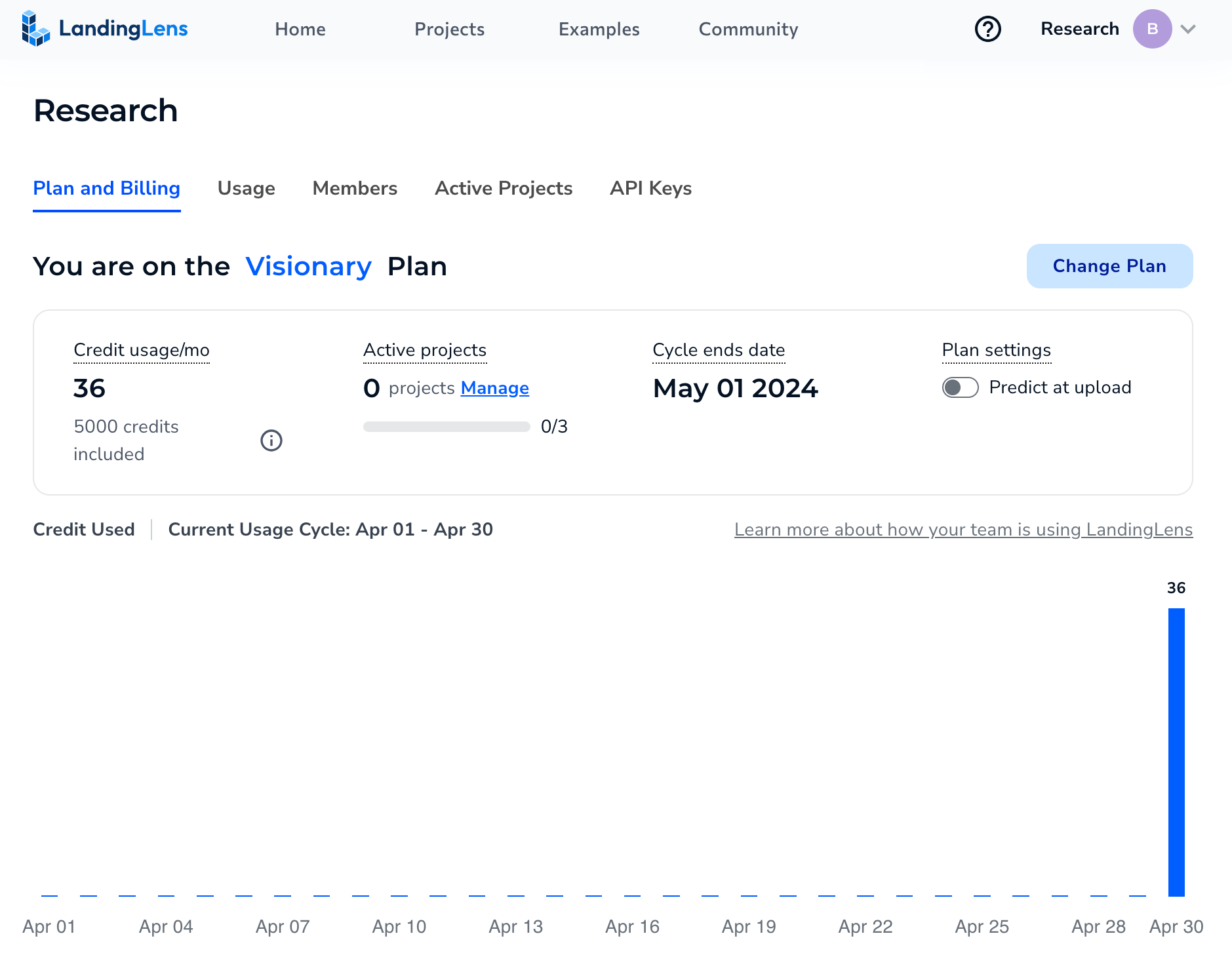
Credits are a form of currency on the LandingLens platform. You spend credits when you perform these actions:- Train models: “Teach” models what they should detect.
- Run inference: Have the model detect what it was “taught” to look for in new images.
What can I spend my credits on?
Credits are used for training models or making predictions. The number of credits used depends on whether you’re using Fast Training (the default training method) or Custom Training:
For detailed information about how credits are calculated for Custom Training, go here.
Credit Usage Example
Here’s an example of how you can “spend” 5,000 credits:Can I go over my allotted credits?
If you’re on the Free plan, your organization is allotted 1,000 credits per billing cycle. More credits cannot be added. If you’re on the Enterprise plan, contact your account team or support@landing.ai for information about how credits are managed.Do credits roll over at the end of the billing cycle?
For Free plans, credits do not roll over. Your allotted credits reset each month. If you’re on the Enterprise plan, contact your account team or support@landing.ai for information about how credits are managed.Who can use credits?
All credits are placed into your organization’s “bank”. Anyone in your LandingLens organization can use those credits.If I spent credits on a project and delete that project, will those credits be refunded?
No. Any credits that have been spent cannot be refunded.Predict at Upload
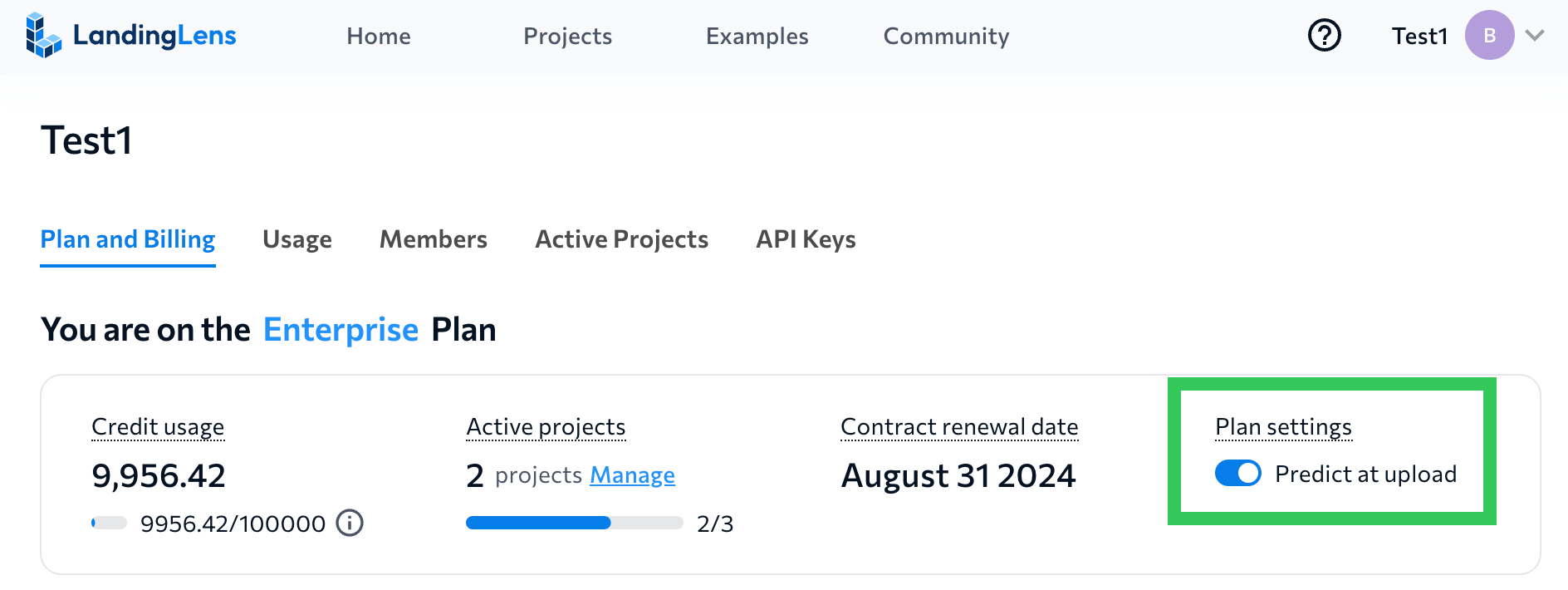
The Predict at Upload setting impacts credit usage. If Predict at Upload is enabled and you upload a new image to a project that already has a trained model, the model runs inference on that image. Running inference on an image consumes credits. By default, the Predict at Upload setting is disabled. To enable or disable the Predict at Upload setting, go to the Plan and Billing page.