
| LandingLens | LandingLens on Snowflake |
|---|---|
General Settings
When you click to open an image, you can manage the labels of that image. This view is called label view. There are several settings in this view, as described in the table below. Each project type has its own settings. For more information on those settings, refer to the relevant article based on your project type: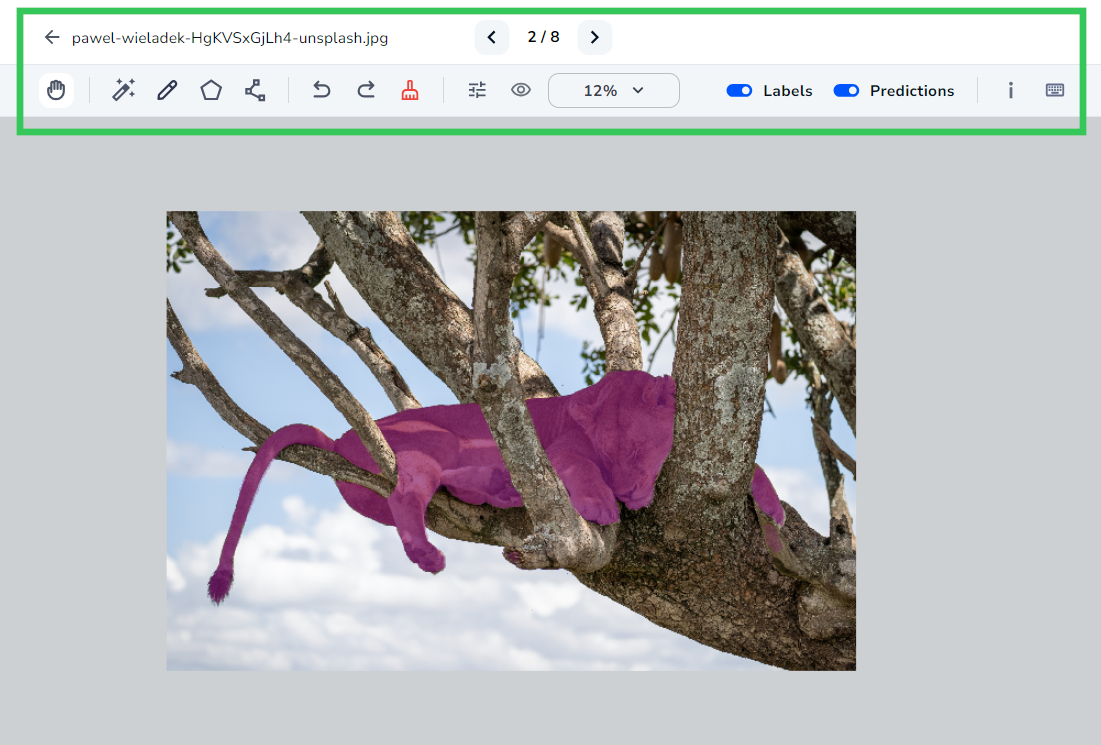
Image Details Settings
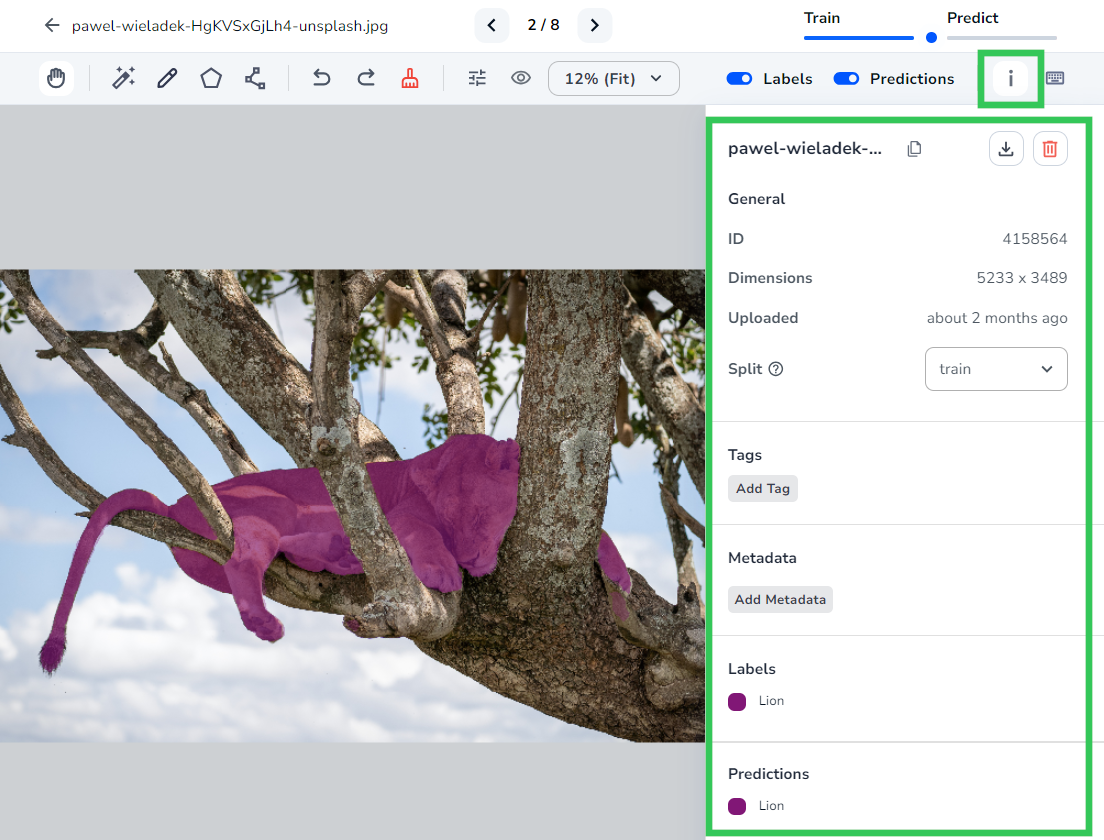
When you click the i icon, the image details panel displays. On this panel, you can view information about the image, assign splits, and add tags and metadata to the image.