
| LandingLens | LandingLens on Snowflake |
|---|---|

Label Assist Requirements
- Label Assist is only available for Object Detection projects.
- A model must be created for Label Assist to work. Label Assist offers suggestions based on the predictions of the selected model.
Use Label Assist
Follow the instruction below to turn on and use Label Assist. To see everything you can do with Label Assist, go to Actions Available in Label Assist.- Open an Object Detection project that you’ve created a model for.
- Open the image you want to see suggestions for.
- If the Image Details panel isn’t open, click the i button to open it.
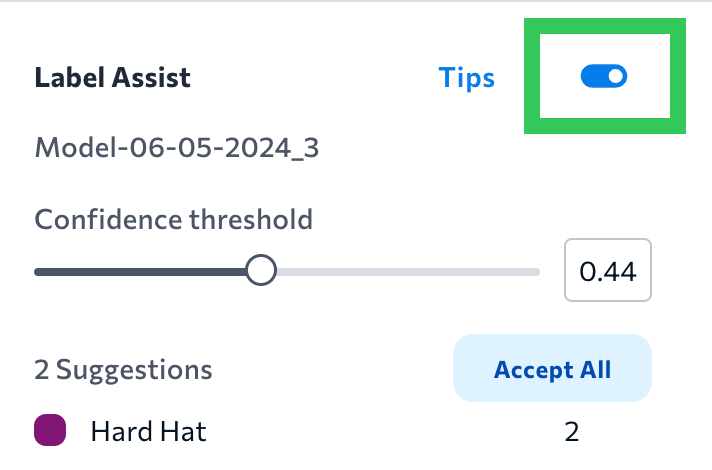
- Click Label Assist in the Predictions panel.
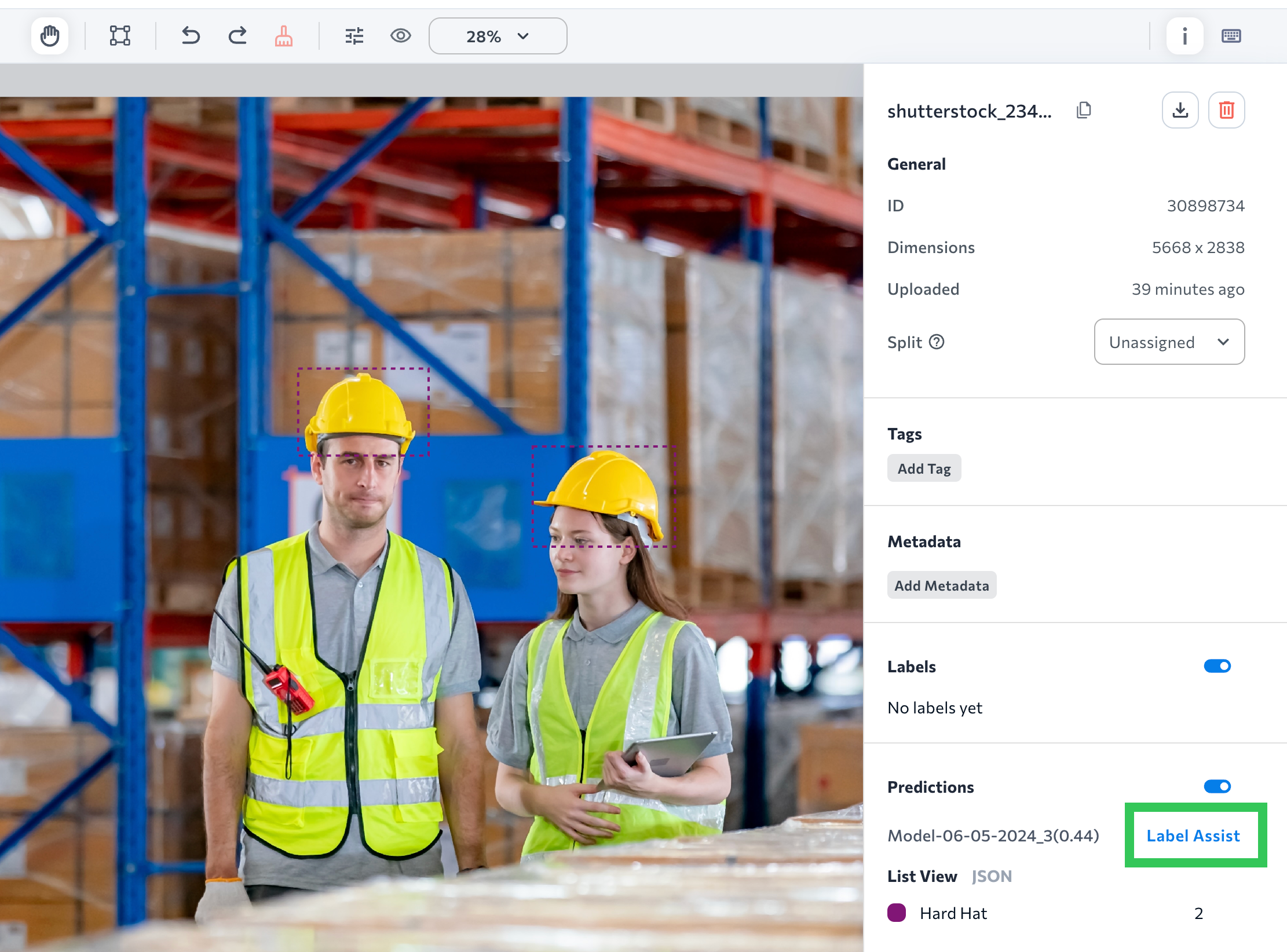
- Turning on Label Assist shows the suggestions and puts you in “label mode”, which means that you can add and edit labels.
- Each suggestion is marked with an animated dashed bounding box. Click a suggestion to accept it. This means that the suggestion turns into a label (“ground truth”). For example, in the screenshot below, clicking either of the purple dashed boxes will turn it into a “Hard Hat” label.
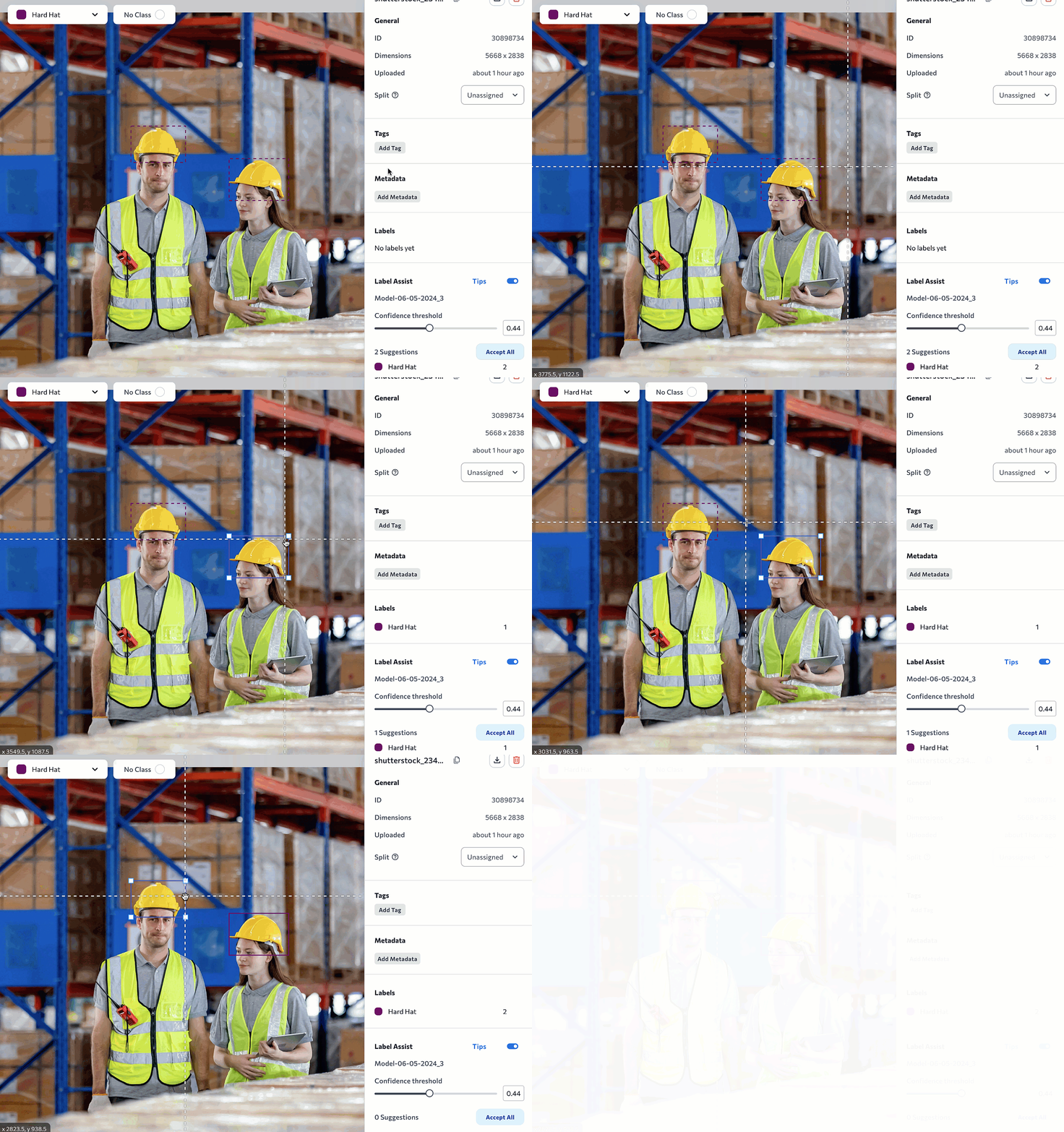
- You can also Click Accept All to turn all suggestions into ground truths.
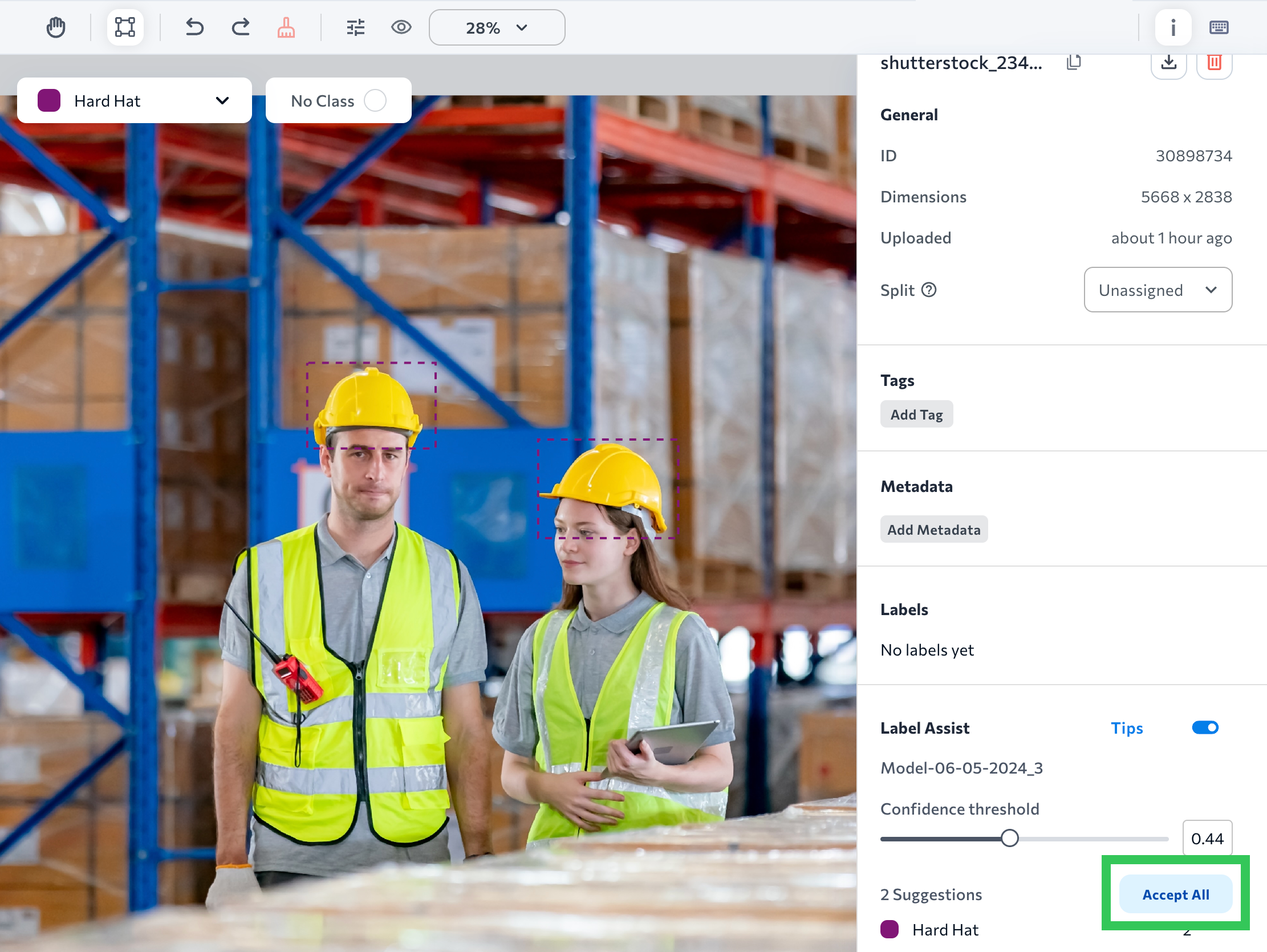
- You can edit any labels when Label Assist is on. This means you can add, resize, and delete labels.
- When you’re done reviewing and accepting suggestions, click the toggle next to Label Assist.
- If you want to see Predictions again, click the Pan icon or press a to exit “label mode”.
.gif?s=1ac823d0e35448349861f594f5ed890e)
Actions Available in Label Assist
You can perform the following actions when the Label Assist tool is on.Run Label Assist on Images Uploaded After Training a Model
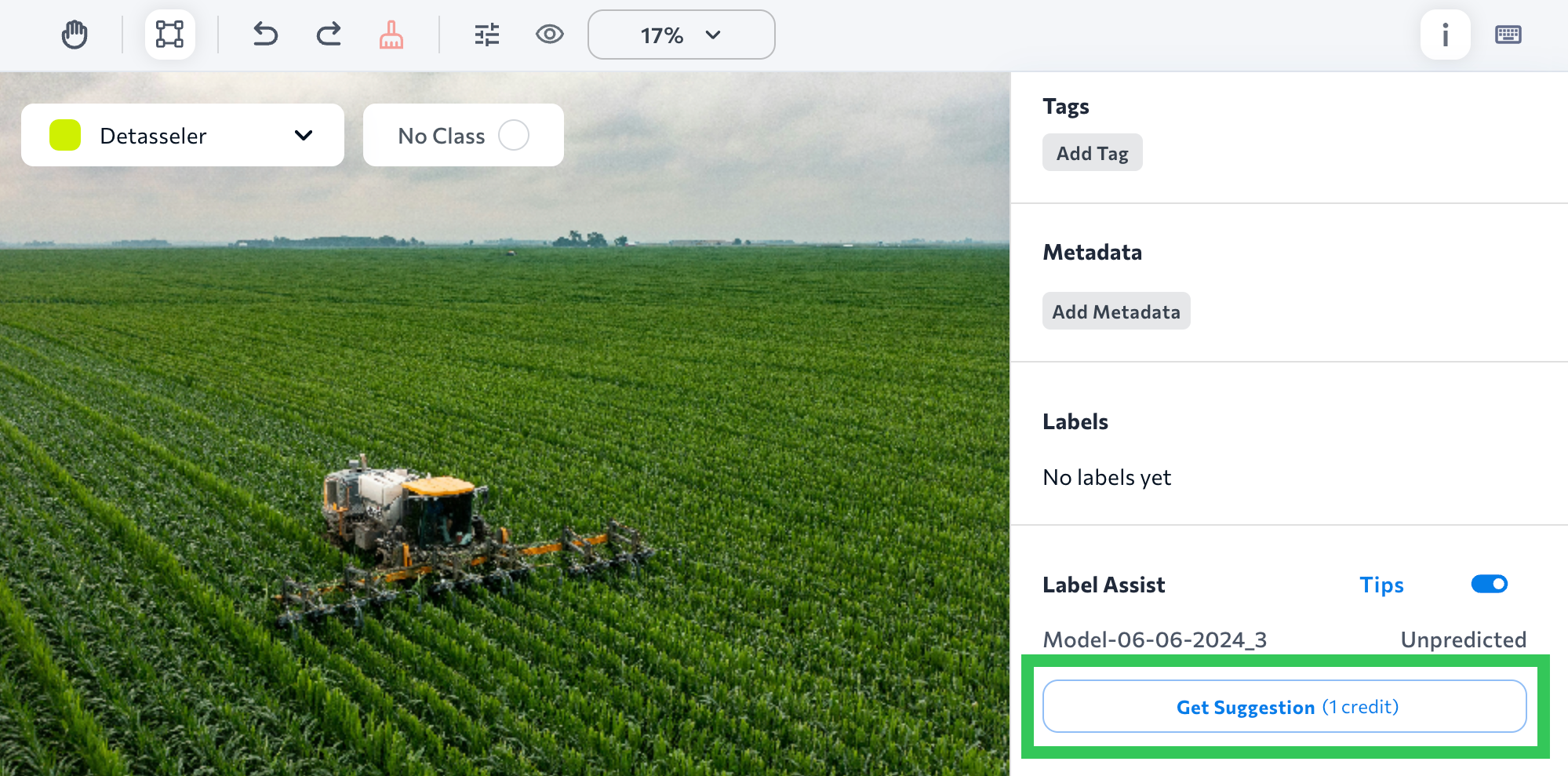
If you upload an image to a project after a model was trained, the model won’t have any predictions for the image yet, which means that Label Assist won’t have any suggestions. To get a suggestion on an image uploaded after a model was trained, turn on Label Assist and click Get Suggestion. This will cost 1 credit because the image makes a prediction on the image. (The credit cost is not applicable when using .)