

| LandingLens | LandingLens on Snowflake |
|---|---|
- Open the project you want to upload images to.
- If you haven’t uploaded any images to the project yet, drag and drop files directly into the project. LandingLens immediately uploads the images.
.gif?s=5af479ddbb3709d11707f4e6a11abe49)
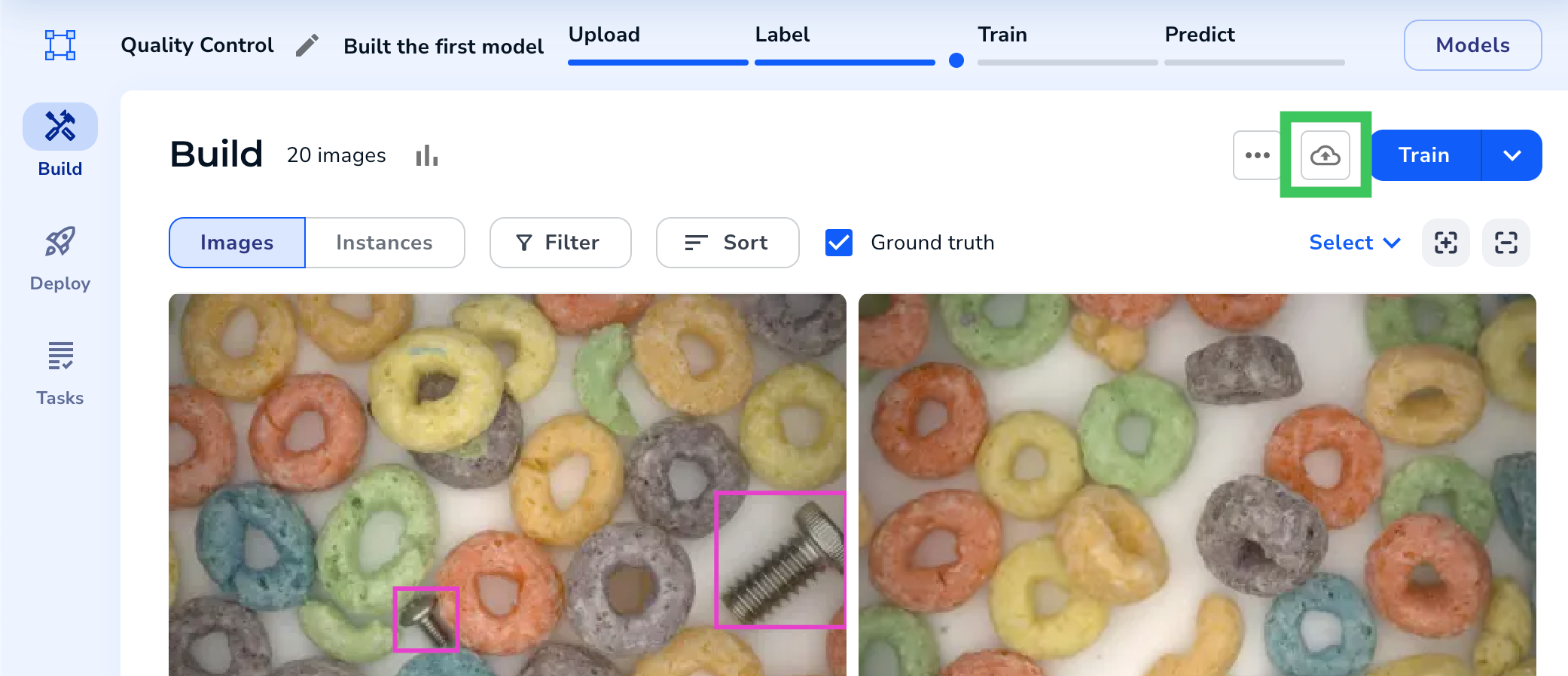
- If you’ve already uploaded images, click the Upload icon.
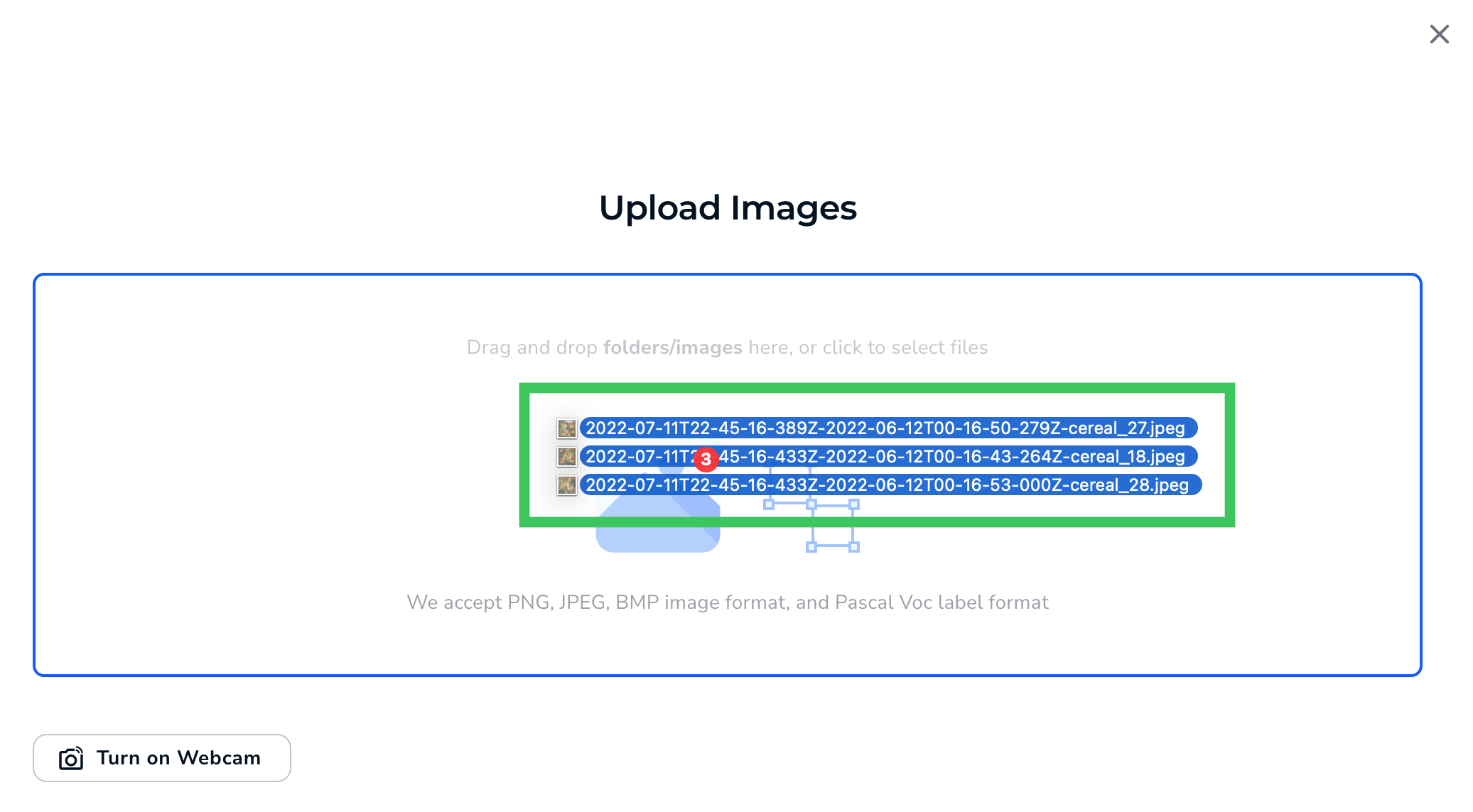
- Drag and drop files into the Upload pop-up window.
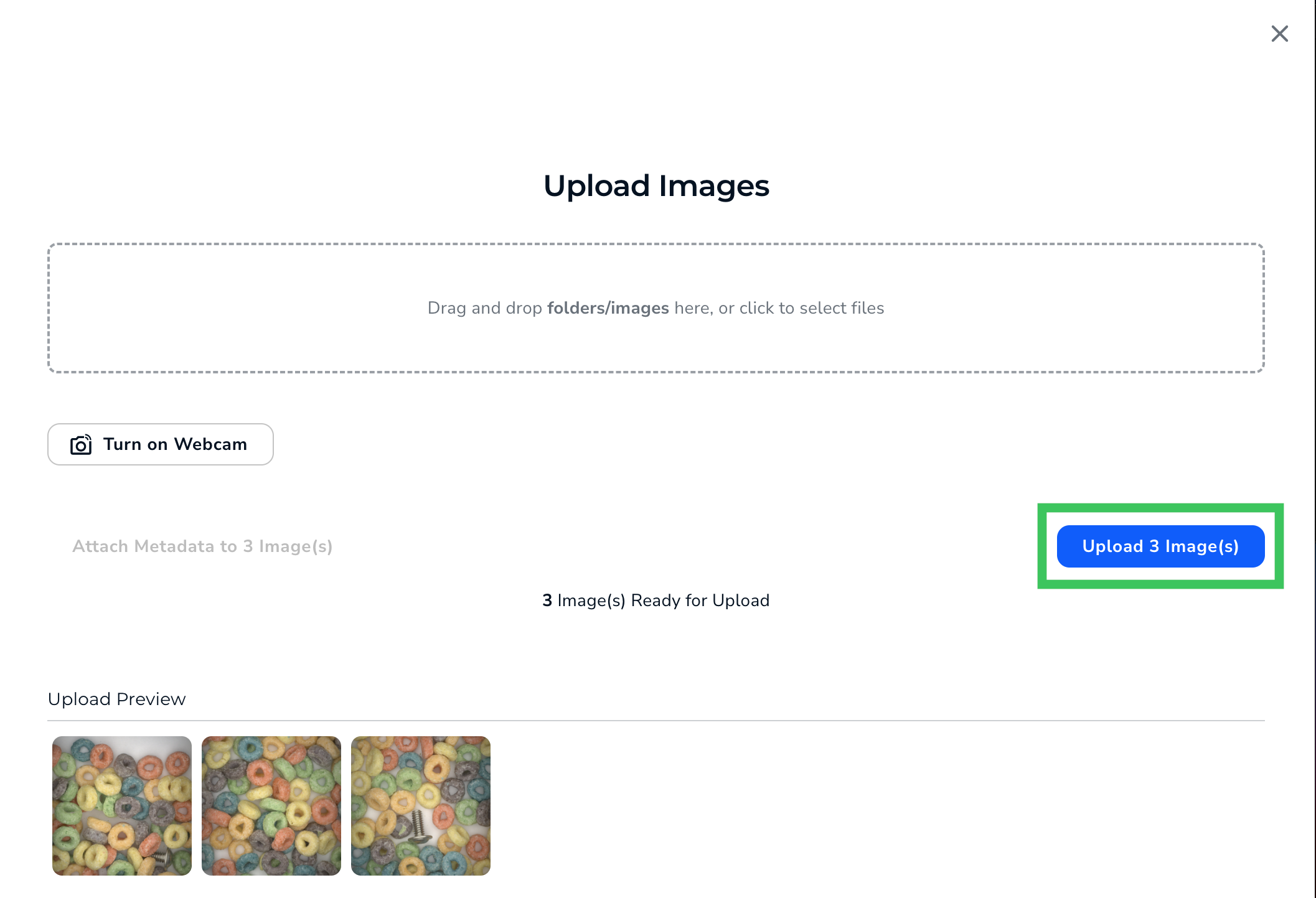
- Click Upload.
- LandingLens uploads the images to your project.