

Direct Labeling Control
With the recent addition of Direct Media labeling it’s now easier than ever to rapidly label images. However with the improvement comes an increased likelihood of careless labeling and poor ground truth labels. To help Admins account for this, we’ve added the ability to limit user access to direct labeling by project. With this access control, Admins can limit users to task based labeling only. This is especially useful with new employees or third party labeling teams who have yet to prove their labels will be consistent with the Defect book.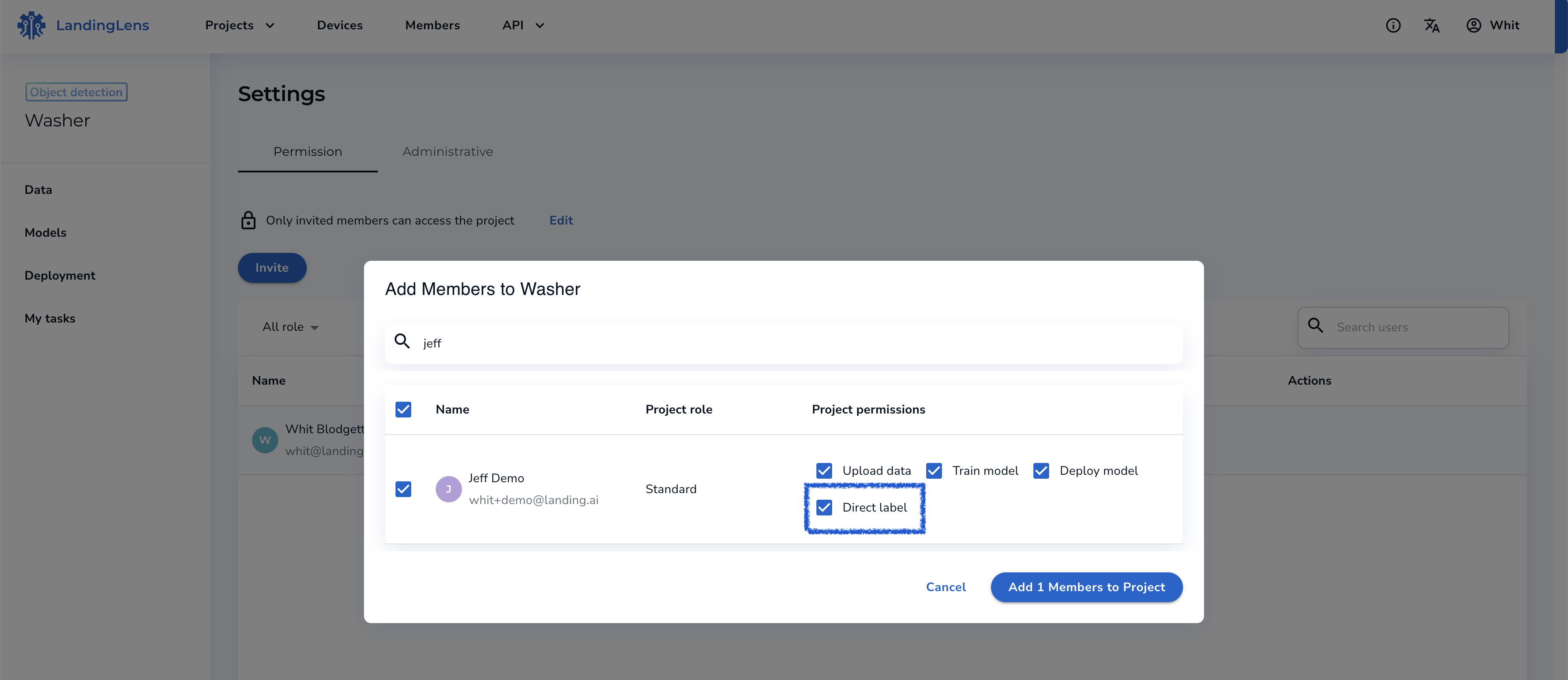 When adding new users to a private project (Settings>Invite), you’ll see a series of checked access controls under “Project Permissions”. To revoke direct labeling access, simply uncheck “Direct label” and that user will no longer see the option to label images from the data browser. You can assign a labeling task to these users.