> ## Documentation Index
> Fetch the complete documentation index at: https://landinglens.docs.landing.ai/llms.txt
> Use this file to discover all available pages before exploring further.
# Sample Images
export const vp = 'Visual Prompting';
export const smartLabel = 'Smart Labeling';
export const productLL = 'LandingLens';
export const mi = 'Mobile Inference';
export const llsf = 'LandingLens on Snowflake';
export const companyName = 'LandingAI';
*This article applies to these versions of LandingLens:*
| LandingLens |
LandingLens on Snowflake |
| ✓ |
✖ |
Don't have images to test? No problem! LandingLens offers pre-built models that you can play with and train. Check them out in the **Examples** section of LandingLens.
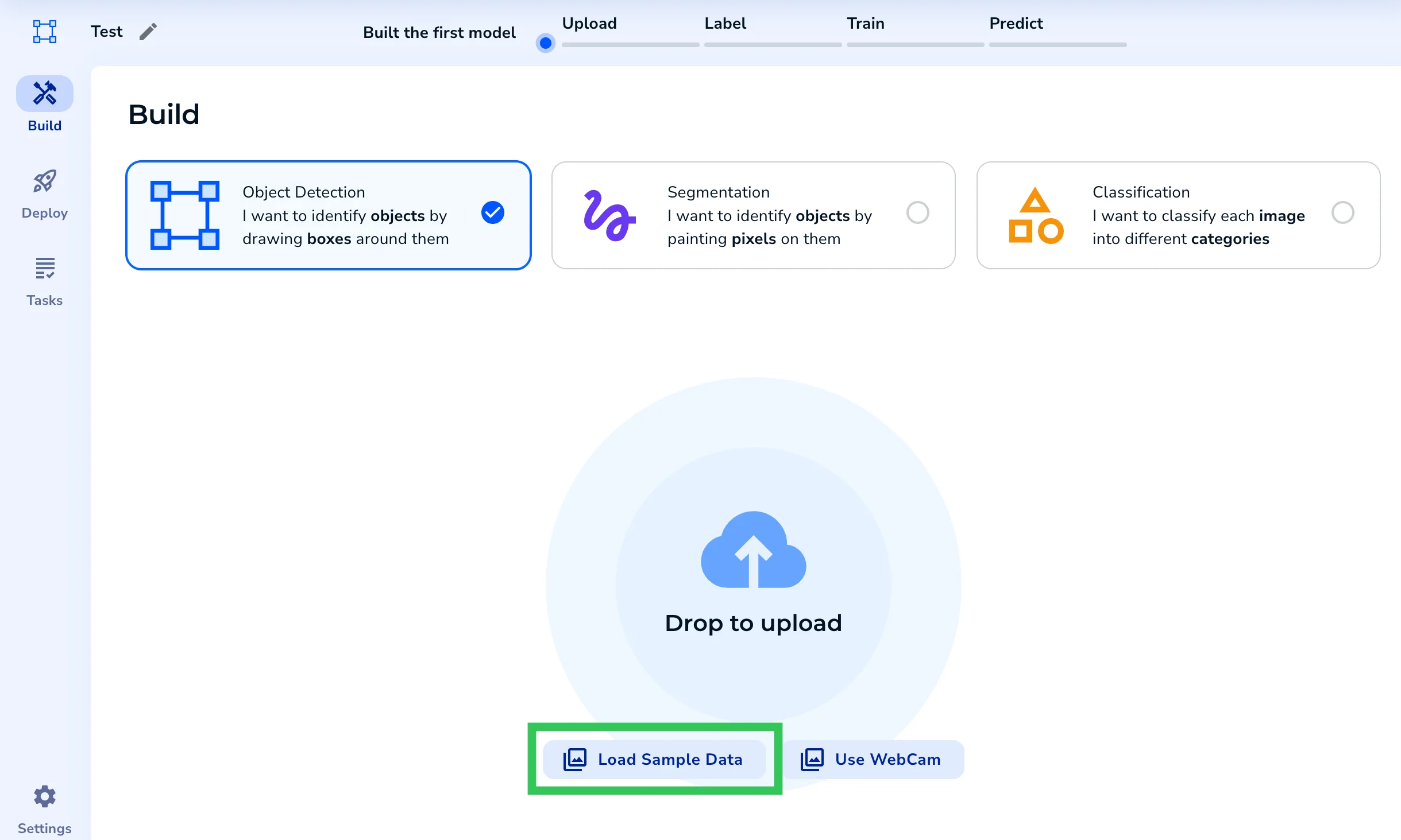
.png?fit=max&auto=format&n=TJ8p3AwYZ8yXbABY&q=85&s=5ef46d36c56c6916aaaa7ef6e1572b8e) LandingLens also has sets of sample images that you can upload to new projects. When you create a project, click **Load Sample Data** and select a dataset.
LandingLens also has sets of sample images that you can upload to new projects. When you create a project, click **Load Sample Data** and select a dataset.