> ## Documentation Index
> Fetch the complete documentation index at: https://landinglens.docs.landing.ai/llms.txt
> Use this file to discover all available pages before exploring further.
# Rename Models
export const vp = 'Visual Prompting';
export const smartLabel = 'Smart Labeling';
export const productLL = 'LandingLens';
export const mi = 'Mobile Inference';
export const llsf = 'LandingLens on Snowflake';
export const companyName = 'LandingAI';
*This article applies to these versions of LandingLens:*
| LandingLens |
LandingLens on Snowflake |
| ✓ |
✓ |
## Default Model Name
When you train a model, LandingLens now automatically saves and names it. This ensures that you can access all versions of your data in the [snapshots dashboard](./dataset-snapshots). Automatically saving the models also prevents models from being accidentally overwritten.
The default model naming convention is **Model-mm-dd-yyyy\_n**, where **n** is the number of models in the project trained that day. For example, let’s say you train six models in a project on December 10, 2023. The default name of the sixth model will be **Model-12-10-2023\_6**.
You can rename a model at any time.
## Rename Models
You can rename models at any time. Model names can include letters, numbers, and special characters.
To rename a model:
1. Open the project.
2. Click the **Models** tab.
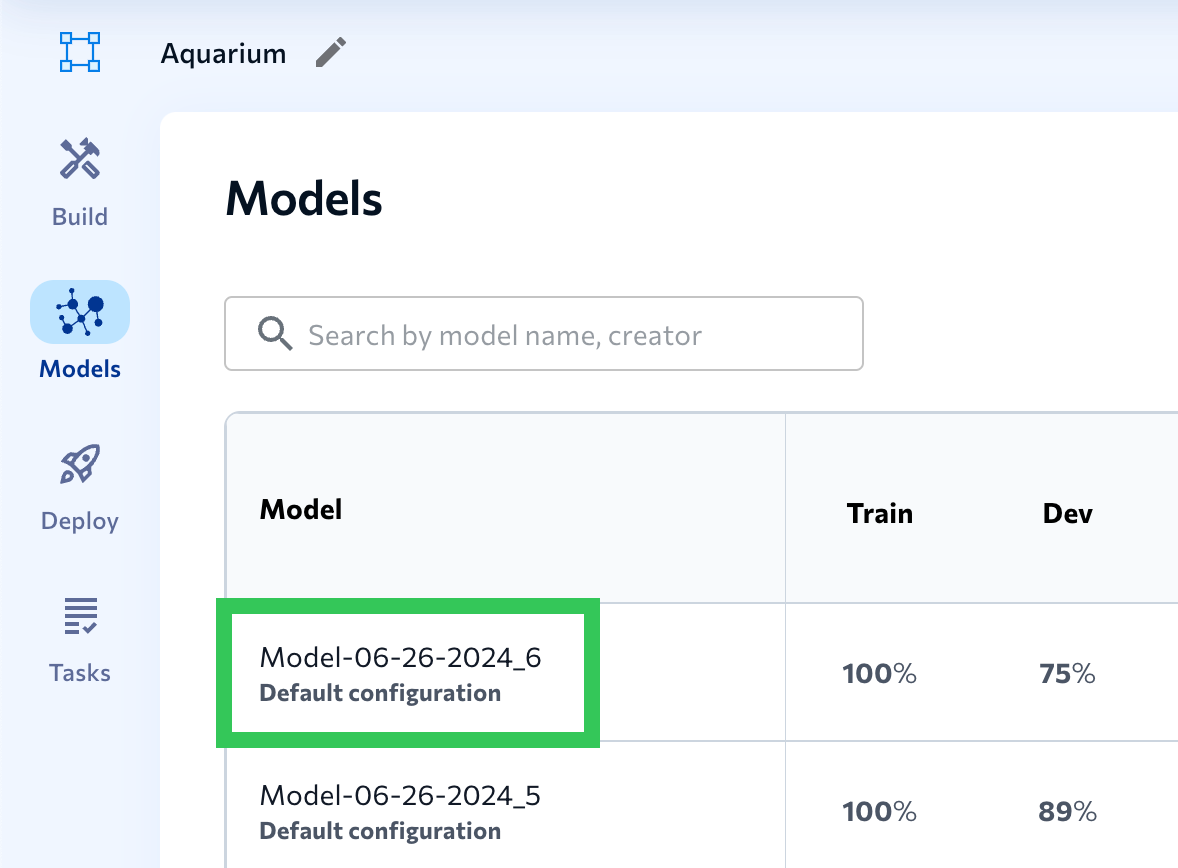
3. Click the model you want to rename.
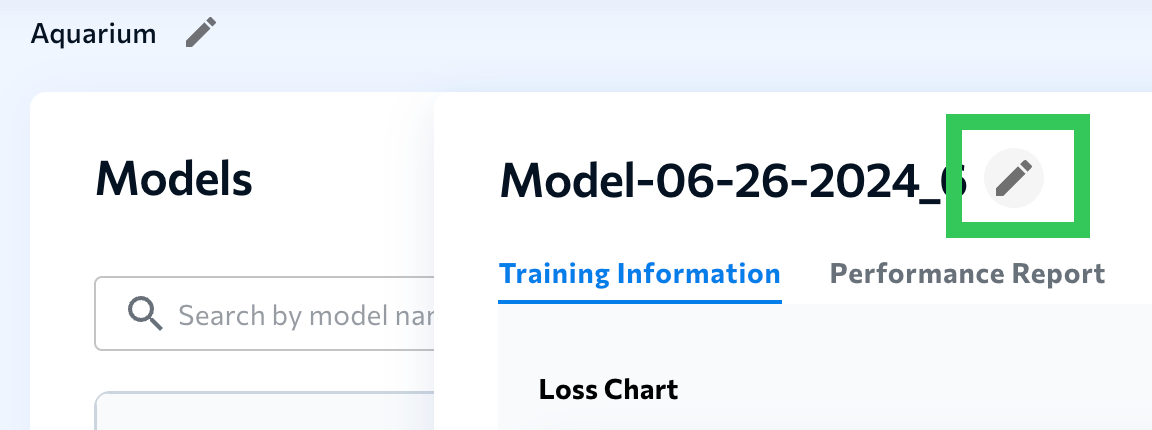
 4. Click the **Edit** (pencil) icon next to the model name and enter a new name.