> ## Documentation Index
> Fetch the complete documentation index at: https://landinglens.docs.landing.ai/llms.txt
> Use this file to discover all available pages before exploring further.
# Models
export const vp = 'Visual Prompting';
export const smartLabel = 'Smart Labeling';
export const productLL = 'LandingLens';
export const mi = 'Mobile Inference';
export const llsf = 'LandingLens on Snowflake';
export const companyName = 'LandingAI';
*This article applies to these versions of LandingLens:*
| LandingLens |
LandingLens on Snowflake |
| ✓ |
✓ |
After you have labeled your images, you can train a *computer vision model*, also simply called a "model". A **model** is a computational representation that predicts objects or certain characteristics that it was trained to detect. When you train a model, you give your labeled images to a deep learning algorithm. This allows the AI to "learn" what to look for in images.
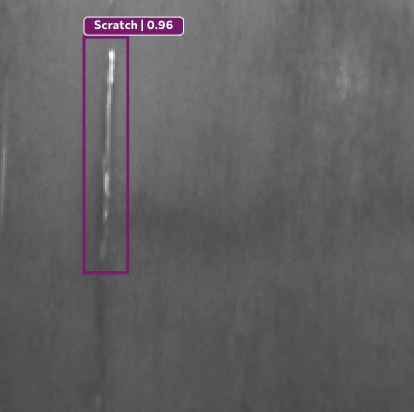
For example, let's say you manufacture metal sheets, and you want to detect scratches. You can use LandingLens to build a computer vision model that detects scratches. When you train a model, it will scan through your images multiple times to learn how to detect scratches. You can then deploy that model to your production environment.