> ## Documentation Index
> Fetch the complete documentation index at: https://landinglens.docs.landing.ai/llms.txt
> Use this file to discover all available pages before exploring further.
# Get Started with LandingLens
export const vp = 'Visual Prompting';
export const smartLabel = 'Smart Labeling';
export const productLL = 'LandingLens';
export const mi = 'Mobile Inference';
export const llsf = 'LandingLens on Snowflake';
export const companyName = 'LandingAI';
*This article applies to these versions of LandingLens:*
| LandingLens |
LandingLens on Snowflake |
| ✓ |
✓ |
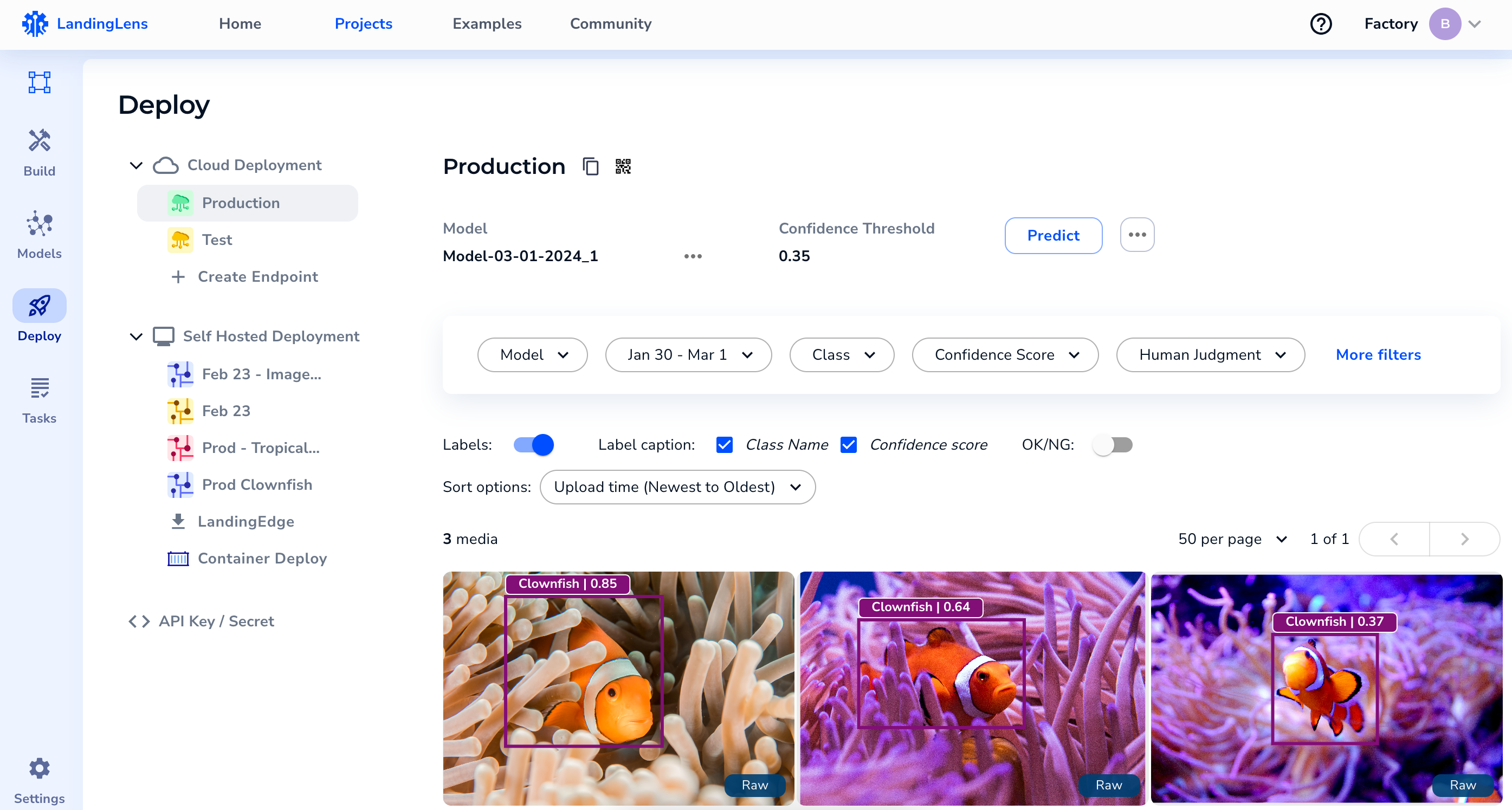
LandingLens is a cloud-based computer vision platform. LandingLens empowers you to create and train computer vision models—even if you don't have a background in AI, machine learning, or computer vision. LandingLens guides you through the process of uploading images, labeling them, training models, comparing model performance, and finally—deploying models.
To support users who are familiar with machine learning, LandingLens includes advanced tools to customize the model training process. LandingLens also supports advanced deployment options via [Docker](./landingedge/docker-deploy) and [LandingEdge](./landingedge/landingedge-overview), our edge-deployment solution.
## Continuous Learning
After you're running inference on your model, you can continue to fine-tune it! You can automatically add images that you've run inference on into your dataset in LandingLens, and then retrain your model with that new data. This process of continuous learning ensures that your model and process evolve when you need them to.
 ## Use Computer Vision Models from LandingLens
After you've trained a model in LandingLens, you can deploy it using a variety of deployment options. Additionally, Developers can use our [Python](https://github.com/landing-ai/landingai-python) and [JavaScript](https://github.com/landing-ai/landingai-js) API libraries to programmatically run inference.
## Use Computer Vision Models from LandingLens
After you've trained a model in LandingLens, you can deploy it using a variety of deployment options. Additionally, Developers can use our [Python](https://github.com/landing-ai/landingai-python) and [JavaScript](https://github.com/landing-ai/landingai-js) API libraries to programmatically run inference.