> ## Documentation Index
> Fetch the complete documentation index at: https://landinglens.docs.landing.ai/llms.txt
> Use this file to discover all available pages before exploring further.
# LandingEdge Settings
export const vp = 'Visual Prompting';
export const smartLabel = 'Smart Labeling';
export const productLL = 'LandingLens';
export const mi = 'Mobile Inference';
export const llsf = 'LandingLens on Snowflake';
export const companyName = 'LandingAI';
*This article applies to these versions of LandingLens:*
LandingLens
LandingLens on Snowflake
✓
✓
If you don't see a feature described in this article, you might be on an outdated version of LandingEdge. Install the current version to get the latest features.
The LandingEdge **Settings** module has key information about your instance of LandingLens.
To open **Settings**:
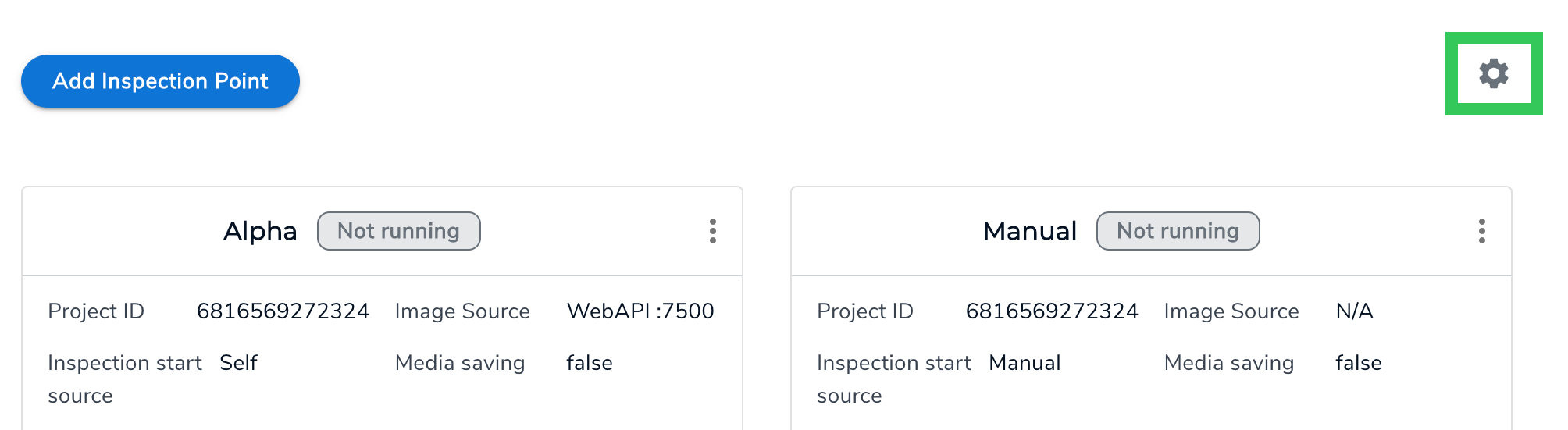
1. Click the **Settings** (gear) icon in the top right corner of the LandingEdge homepage.
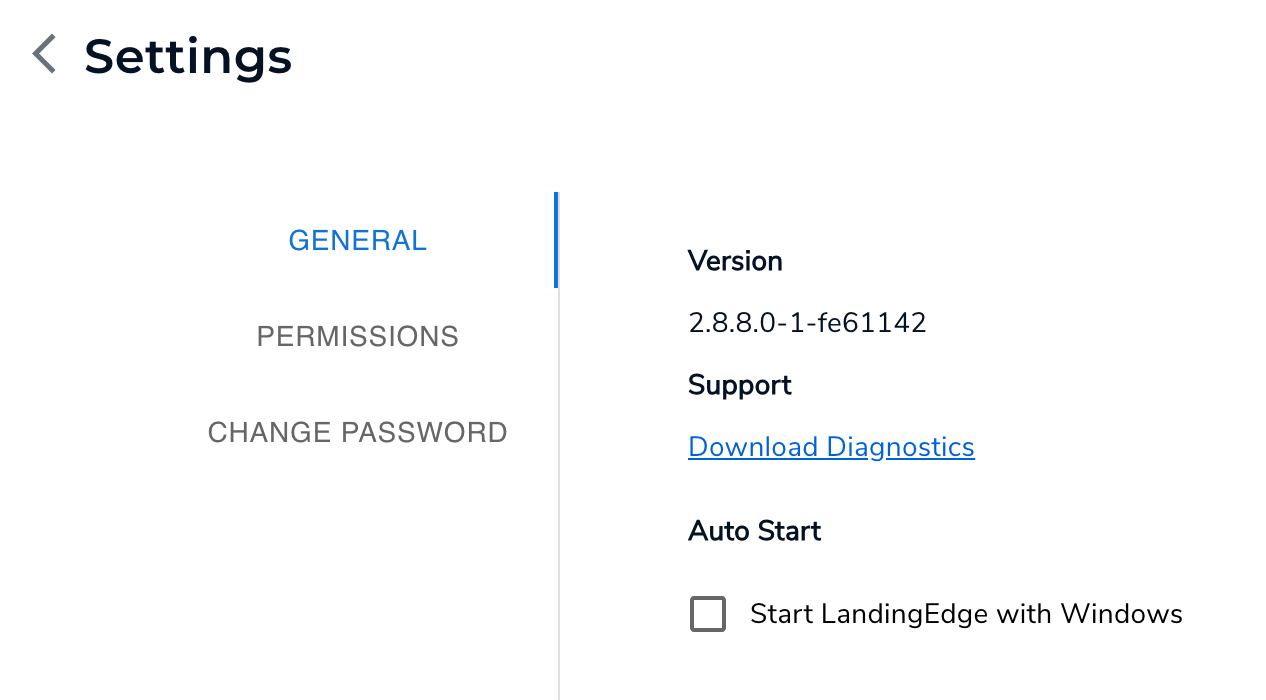
2. The general settings display. Here, you can view your LandingEdge version, download a diagnostics file, and configure the Auto Start setting.
## Version
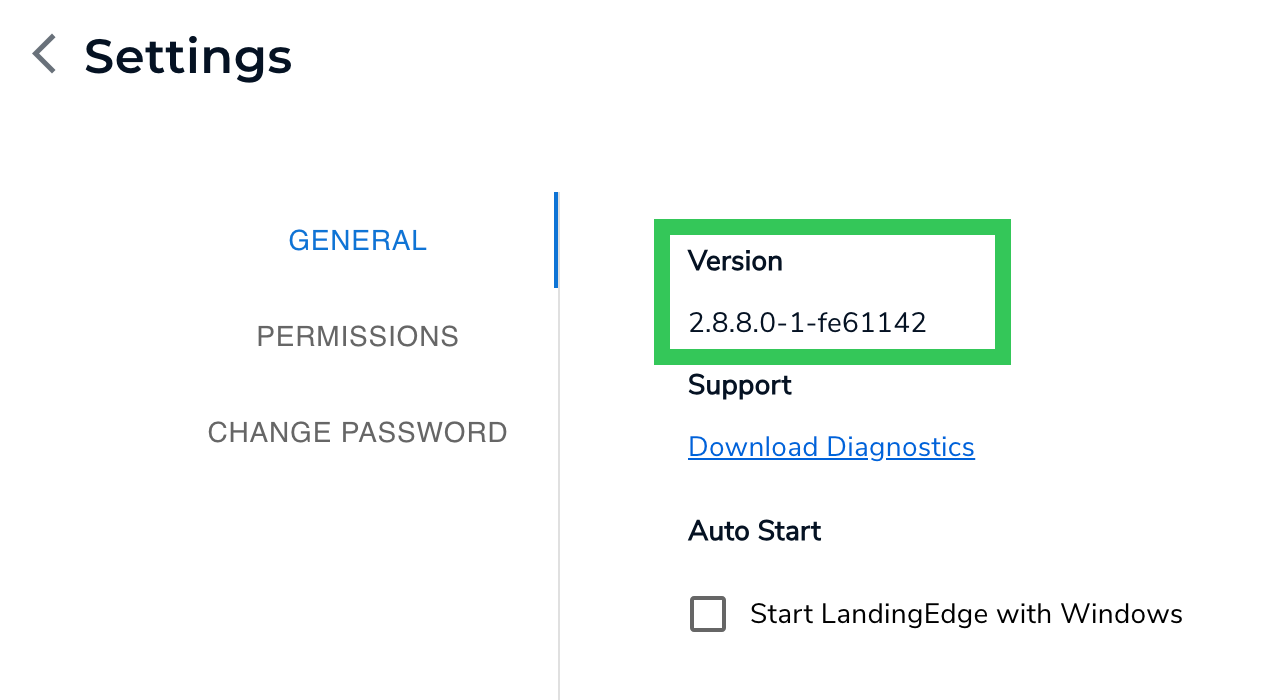
To view your version of LandingEdge:
1. Click the **Settings** (gear) icon in the top right corner of the LandingEdge homepage.
2. View your LandingEdge version in the **Version** section.
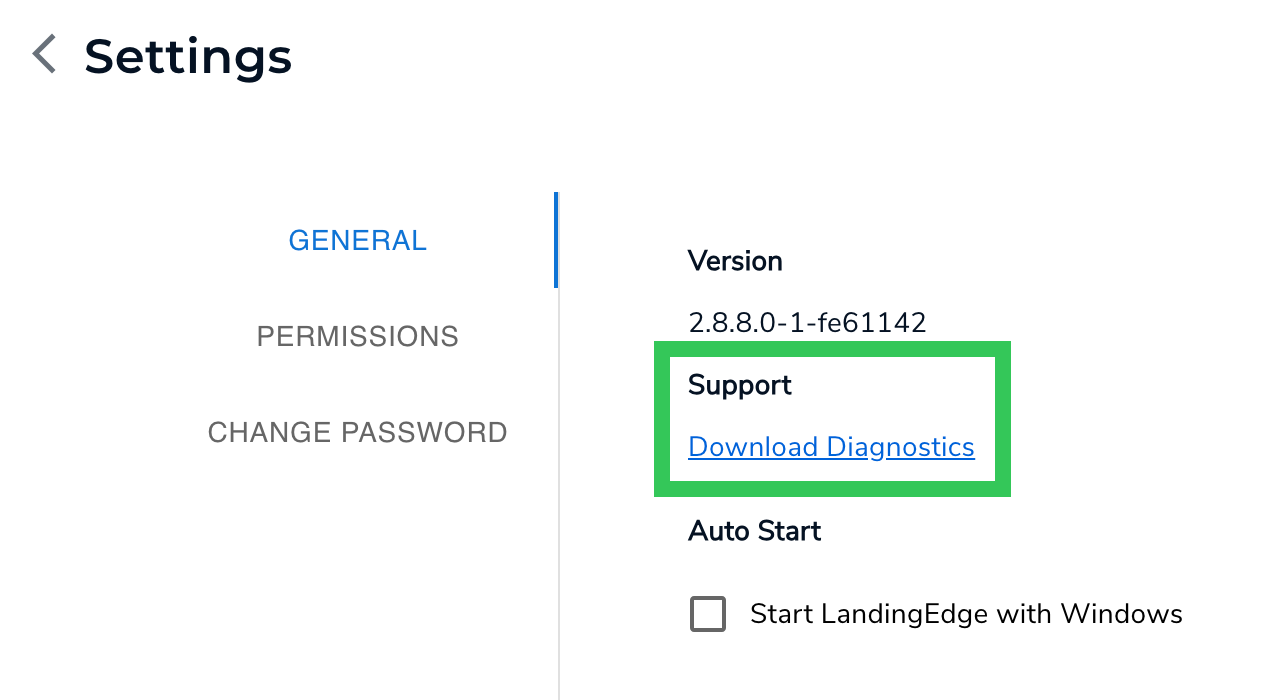
## Download Diagnostics
In some cases, a {companyName} representative might ask you to share a Diagnostics file from LandingEdge. This file contains logs and other data from LandingEdge that can help resolve issues.
To download the LandingEdge diagnostics file:
1. Click the **Settings** (gear) icon in the top right corner of the LandingEdge homepage.
2. Click **Download Diagnostics**.
3. A ZIP file is download to your computer. Email the file to the {companyName} representative.
Do not share your Diagnostics file on any public forum, because this file might contain sensitive information.
## Auto Start
The Auto Start setting is only supported on Windows computers.
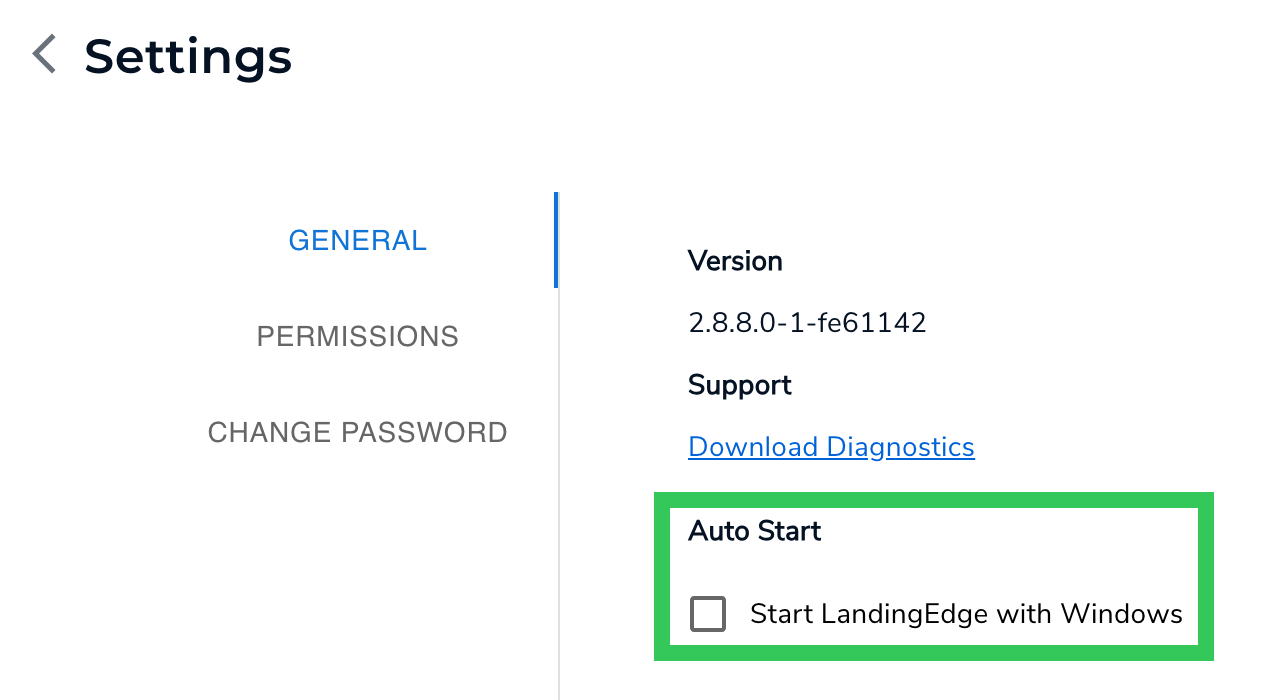
You can configure LandingEdge to start automatically when your Windows computer starts. To do this:
1. Click the **Settings** (gear) icon in the top right corner of the LandingEdge homepage.
2. Select the **Start LandingEdge with Windows** checkbox.
 2. The general settings display. Here, you can view your LandingEdge version, download a diagnostics file, and configure the Auto Start setting.
 ## Version
To view your version of LandingEdge:
1. Click the **Settings** (gear) icon in the top right corner of the LandingEdge homepage.
2. View your LandingEdge version in the **Version** section.
## Version
To view your version of LandingEdge:
1. Click the **Settings** (gear) icon in the top right corner of the LandingEdge homepage.
2. View your LandingEdge version in the **Version** section.
 ## Download Diagnostics
In some cases, a {companyName} representative might ask you to share a Diagnostics file from LandingEdge. This file contains logs and other data from LandingEdge that can help resolve issues.
To download the LandingEdge diagnostics file:
1. Click the **Settings** (gear) icon in the top right corner of the LandingEdge homepage.
2. Click **Download Diagnostics**.
## Download Diagnostics
In some cases, a {companyName} representative might ask you to share a Diagnostics file from LandingEdge. This file contains logs and other data from LandingEdge that can help resolve issues.
To download the LandingEdge diagnostics file:
1. Click the **Settings** (gear) icon in the top right corner of the LandingEdge homepage.
2. Click **Download Diagnostics**.
 3. A ZIP file is download to your computer. Email the file to the {companyName} representative.