> ## Documentation Index
> Fetch the complete documentation index at: https://landinglens.docs.landing.ai/llms.txt
> Use this file to discover all available pages before exploring further.
# Failed Models
export const vp = 'Visual Prompting';
export const smartLabel = 'Smart Labeling';
export const productLL = 'LandingLens';
export const mi = 'Mobile Inference';
export const llsf = 'LandingLens on Snowflake';
export const companyName = 'LandingAI';
*This article applies to these versions of LandingLens:*
| LandingLens |
LandingLens on Snowflake |
| ✓ |
✓ |
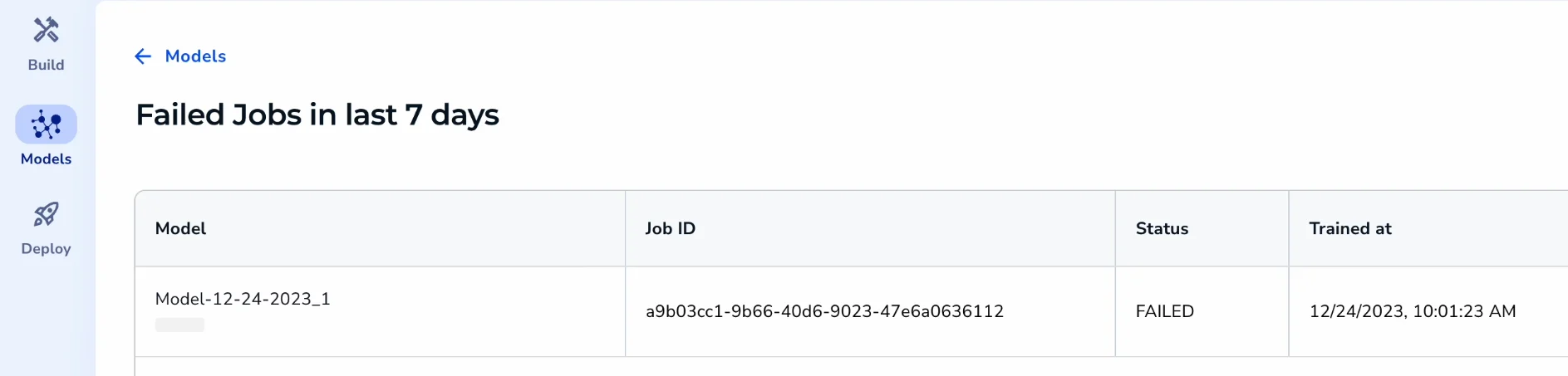
If the model training process fails, you can access more information about that failure to help you troubleshoot. Each project has a **Failed Jobs** page that shows a list of model training processes that failed in the past 7 days.
To access a project's Failed Jobs page:
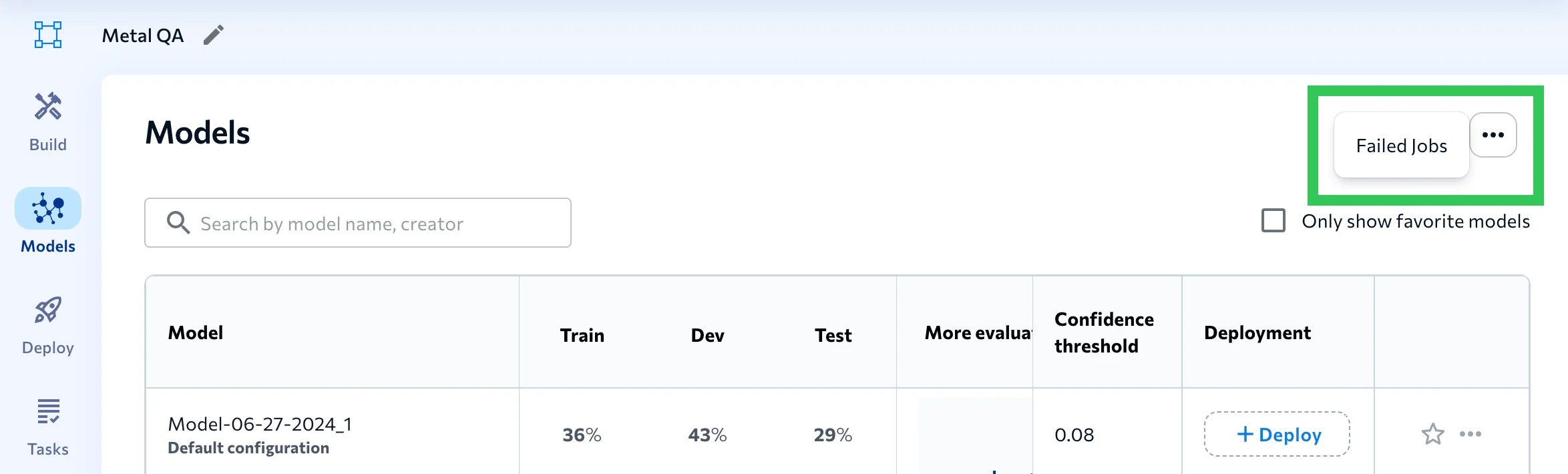
1. Open the project to the **Models** tab.
2. Click the **Actions** (...) icon and select **Failed Jobs**.
 3. Information about model training jobs that failed in the past 7 days displays.