> ## Documentation Index
> Fetch the complete documentation index at: https://landinglens.docs.landing.ai/llms.txt
> Use this file to discover all available pages before exploring further.
# Drag and Drop Images
export const vp = 'Visual Prompting';
export const smartLabel = 'Smart Labeling';
export const productLL = 'LandingLens';
export const mi = 'Mobile Inference';
export const llsf = 'LandingLens on Snowflake';
export const companyName = 'LandingAI';
*This article applies to these versions of LandingLens:*
| LandingLens |
LandingLens on Snowflake |
| ✓ |
✓ |
To drag and drop images directly into a project:
1. Open the project you want to upload images to.
2. If you haven't uploaded any images to the project yet, drag and drop files directly into the project. LandingLens immediately uploads the images.
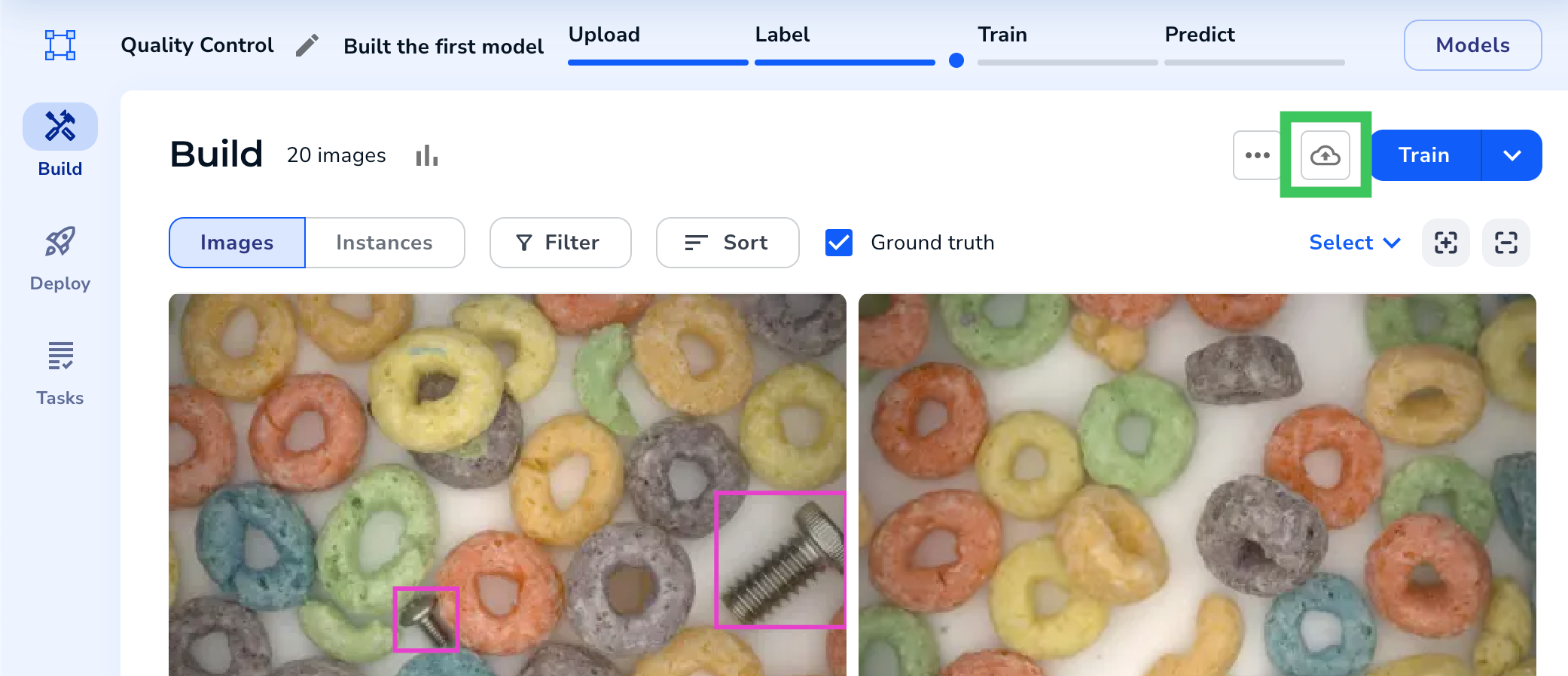
.gif?s=5af479ddbb3709d11707f4e6a11abe49) 3. If you've already uploaded images, click the **Upload** icon.
3. If you've already uploaded images, click the **Upload** icon.
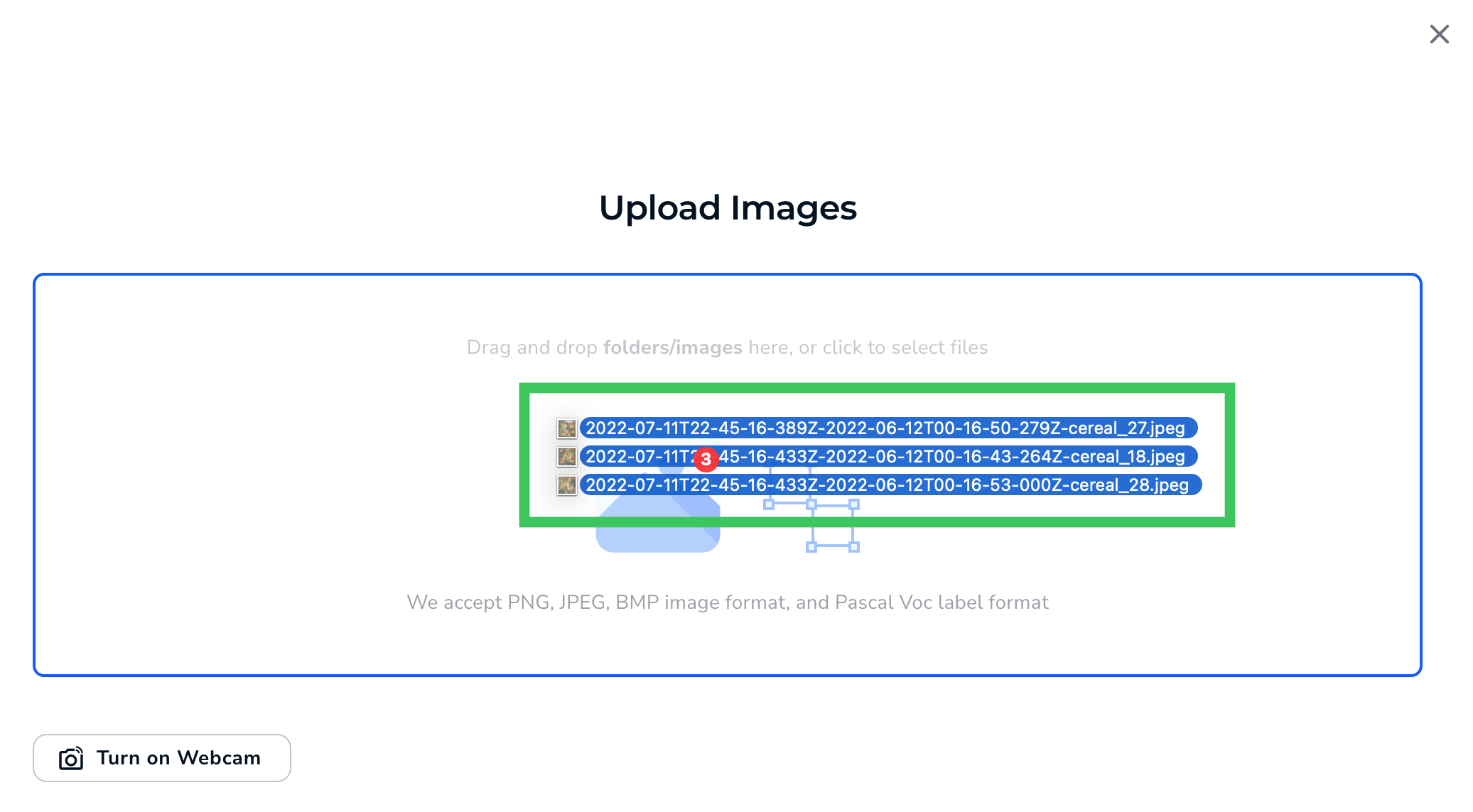
 4. Drag and drop files into the Upload pop-up window.
 5. Click **Upload**.
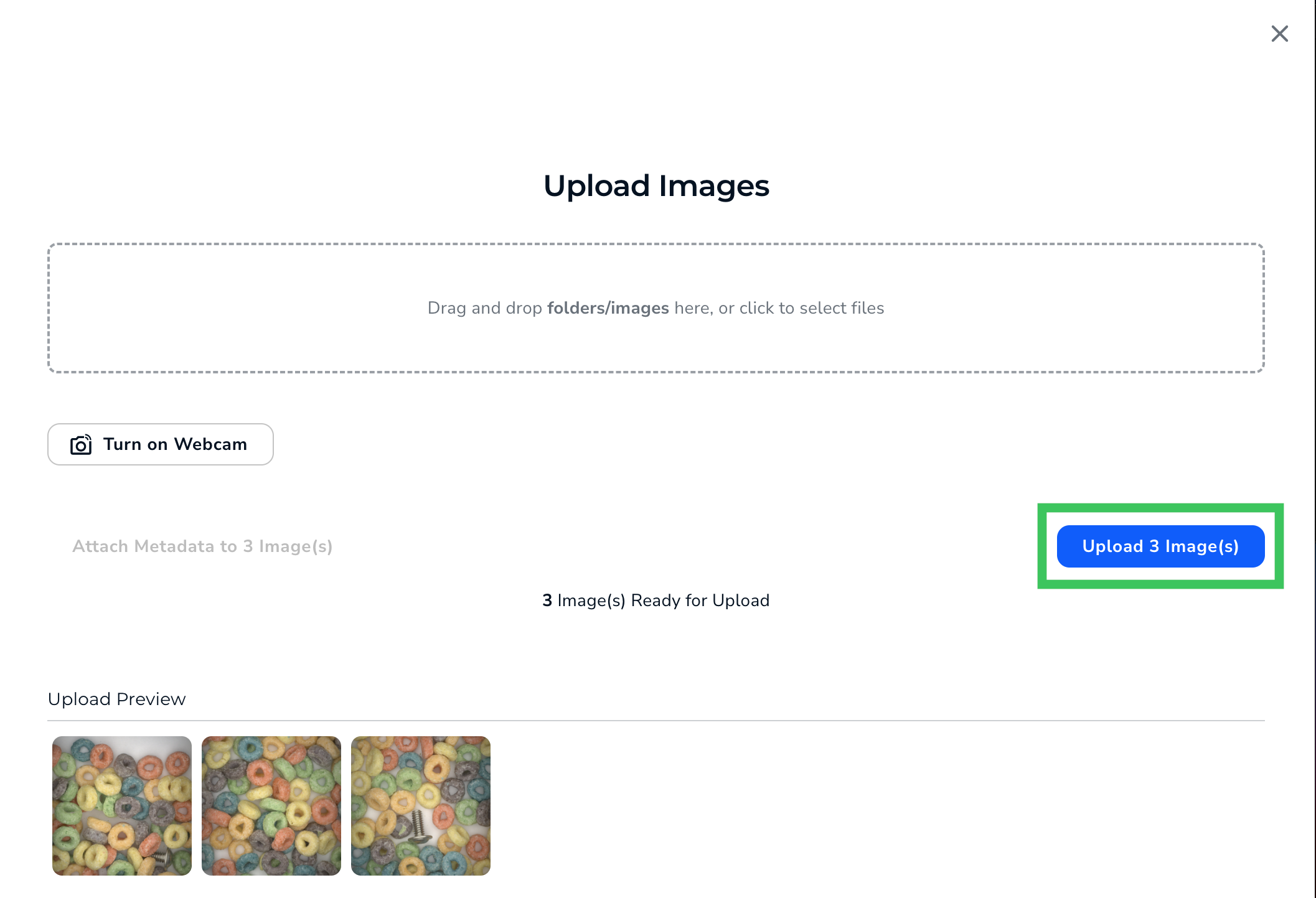 6. LandingLens uploads the images to your project.